
1.打开eclipse找到help,点击所选位置
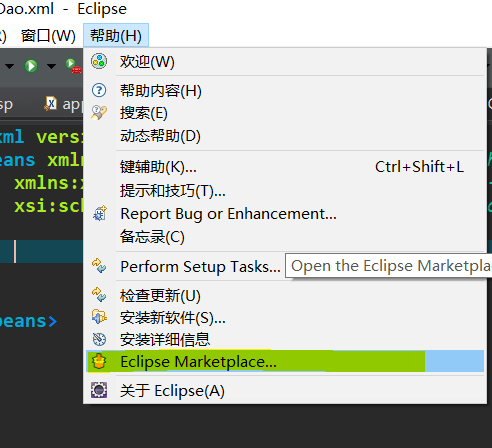

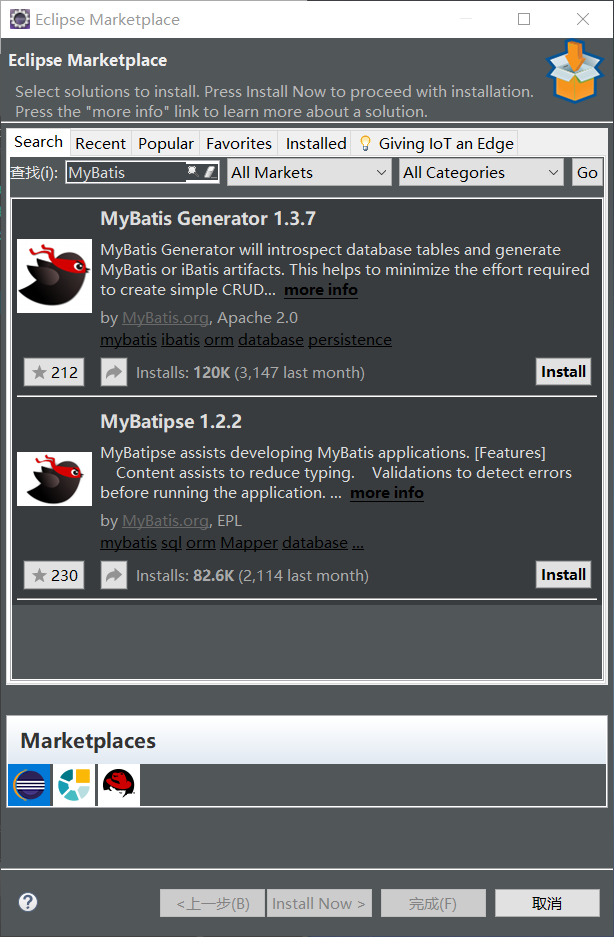
2.在查找那输入“MyBatis”,选择一个你所需的版本,进行Install
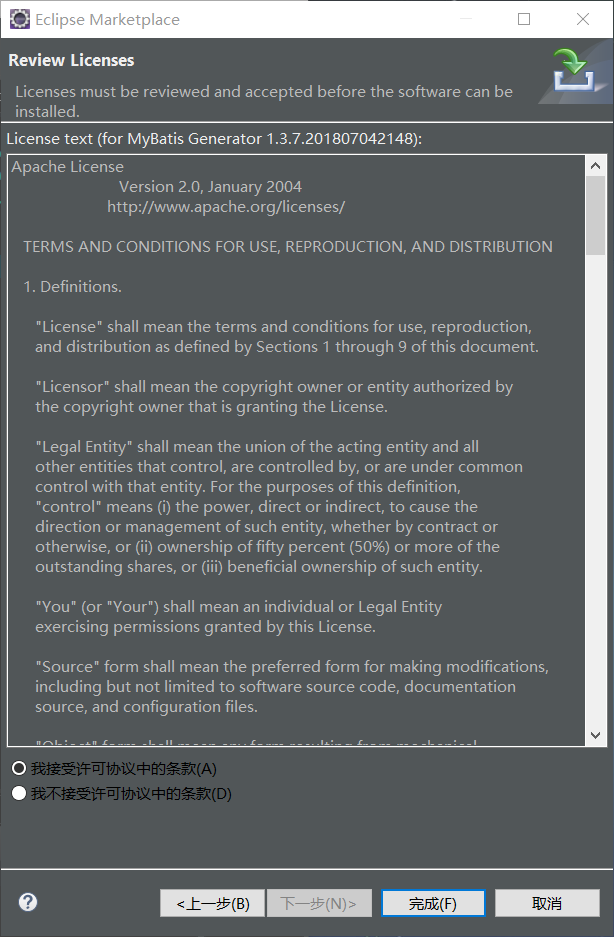
3.点击“I accept the terms of the license agreement”
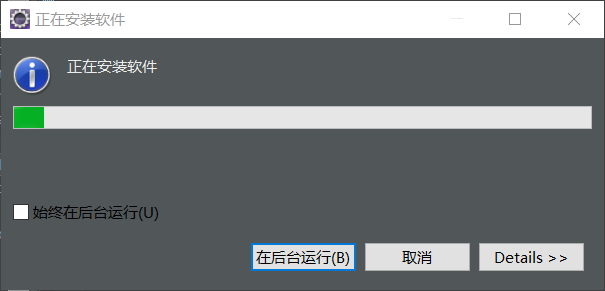
4.点击完成
版权声明:本文内容由互联网用户自发贡献,该文观点仅代表作者本人。本站仅提供信息存储空间服务,不拥有所有权,不承担相关法律责任。如发现本站有涉嫌侵权/违法违规的内容, 请发送邮件至 举报,一经查实,本站将立刻删除。
发布者:全栈程序员-站长,转载请注明出处:https://javaforall.net/185239.html原文链接:https://javaforall.net


