
安装前准备工作
因为Nginx依赖于gcc的编译环境,所以,需要安装编译环境来使Nginx能够编译起来
yum install gcc-c++
Nginx的http模块需要使用pcre来解析正则表达式,需要安装pcre
yum install -y pcre pcre-devel
安装依赖的解压包
yum install -y zlib zlib-devel
ssl 功能需要 openssl 库,安装 openssl
yum install -y openssl openssl-devel
下载Nginx
可以自己建立一个包,将nginx下载到这个路径,我设置的路径/opt/crm/nginx
如果需要其他nginx版本的可以参考 nginx仓库
wget http://nginx.org/download/nginx-1.10.2.tar.gz
下载完之后解压
tar zxvf nginx-1.10.2.tar.gz
进入到解压之后的nginx目录
[root@localhost src]# cd nginx-1.10.2
[root@localhost nginx-1.10.2]# ./configure && make && make install
如果要使用ssl
./configure --prefix=/usr/local/nginx --with-http_stub_status_module --with-http_ssl_module
注意:如果配置了ssl,检查配置文件时报错
nginx -t
nginx:[emerg]unknown directive ssl错误

去到nginx安装的目录
./configure --with-http_ssl_module

注意要把新生成的文件复制到对应目录
cp objs/nginx /usr/local/nginx/sbin/nginx

显示成功就搞定
[root@iZ2ze02hshpth1x0vxo8r6Z sbin]# ./nginx -t
nginx: the configuration file /usr/local/nginx/conf/nginx.conf syntax is ok
nginx: configuration file /usr/local/nginx/conf/nginx.conf test is successful
[root@iZ2ze02hshpth1x0vxo8r6Z sbin]#
安装完之后查看安装目录
[root@izbp10k7vskcf4soxxbp5gz /]# whereis nginx
nginx: /usr/local/nginx
[root@izbp10k7vskcf4soxxbp5gz /]#
通过查找文件名方式
[root@izbp10k7vskcf4soxxbp5gz /]# find / -name nginx
/opt/crm/nginx
/opt/crm/nginx/nginx-1.10.2/objs/nginx
/usr/local/nginx
/usr/local/nginx/sbin/nginx
[root@izbp10k7vskcf4soxxbp5gz /]#
直接执行
[root@izbp10k7vskcf4soxxbp5gz /]# /usr/local/nginx/sbin/nginx
[root@izbp10k7vskcf4soxxbp5gz /]# ps -ef | grep nginx
root      4666     1  0 09:32 ?        00:00:00 nginx: master process /usr/local/nginx/sbin/nginx -c /usr/local/nginx/conf/nginx.conf
nobody    4667  4666  0 09:32 ?        00:00:00 nginx: worker process
root      5028 29443  0 09:40 pts/0    00:00:00 grep --color=auto nginx
[root@izbp10k7vskcf4soxxbp5gz /]#
在浏览器输入服务器IP地址
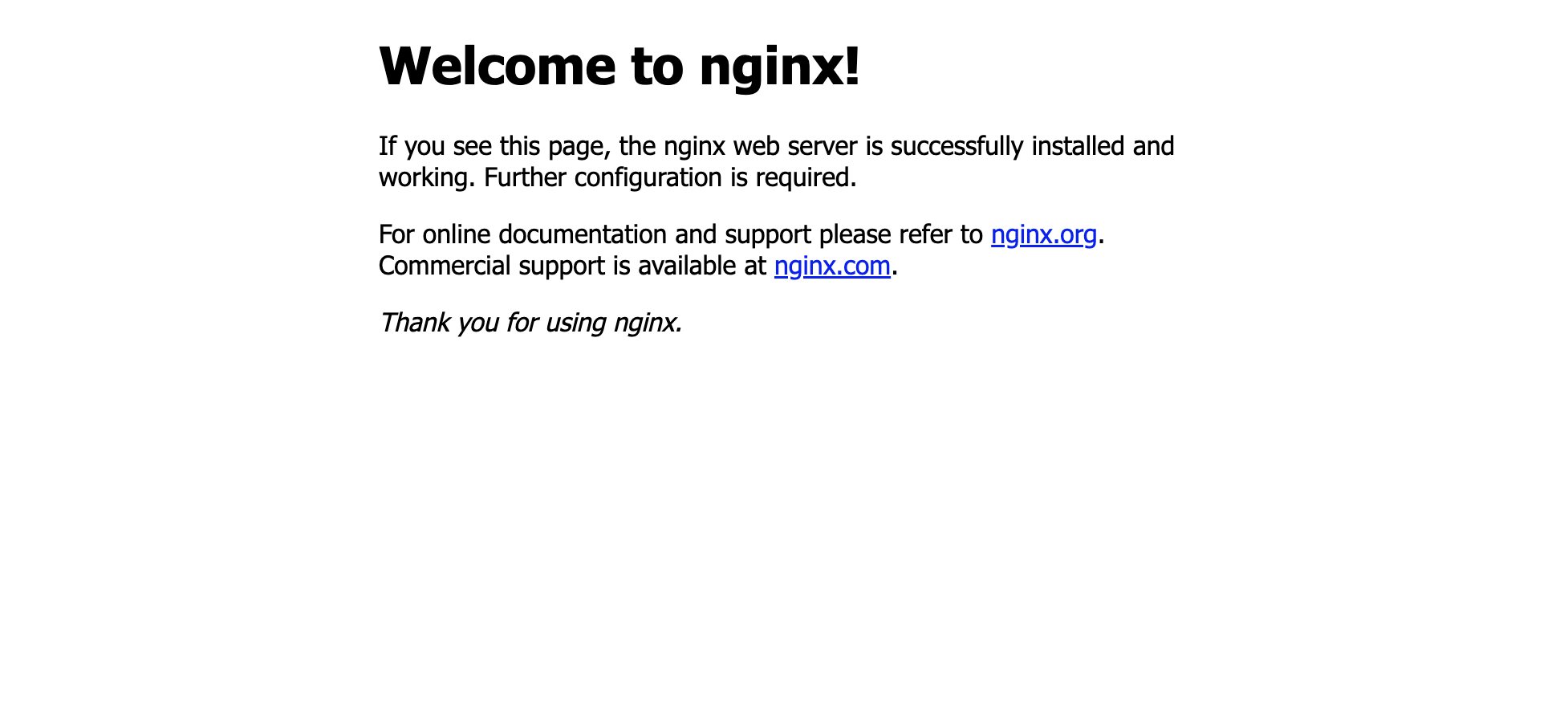

增加systemctl命令方式启动
直接启动和关闭nginx的方式
启动nginx的命令为     /usr/local/nginx/sbin/nginx
停止nginx的命令为    /usr/local/nginx/sbin/nginx -s stop
重启nginx的命令为    /usr/local/nginx/sbin/nginx -s reload
配置方式 去到/usr/lib/systemd/system/目录新建一个nginx服务,给予执行权限
vim /usr/lib/systemd/system/nginx.service
chmod +x /usr/lib/systemd/system/nginx.service
打开文件nginx.service新建内容
[Unit]
Description=nginx - high performance web server
After=network.target remote-fs.target nss-lookup.target

[Service]
Type=forking
PIDFile=/usr/local/nginx/logs/nginx.pid
ExecStartPre=/usr/local/nginx/sbin/nginx -t -c /usr/local/nginx/conf/nginx.conf
ExecStart=/usr/local/nginx/sbin/nginx -c /usr/local/nginx/conf/nginx.conf
ExecReload=/usr/local/nginx/sbin/nginx -s reload
ExecStop=/usr/local/nginx/sbin/nginx -s stop
ExecQuit=/usr/local/nginx/sbin/nginx -s quit
PrivateTmp=true

[Install]
WantedBy=multi-user.target
保存之后重载Ststemctl命令
在启动服务之前,需要先重载systemctl命令
systemctl daemon-reload
配置完之后
systemctl status nginx
systemctl start nginx
systemctl stop nginx
systemctl restart nginx
附上配置
#user nobody;
worker_processes  1;

#error_log logs/error.log;
#error_log logs/error.log notice;
#error_log logs/error.log info;

#pid logs/nginx.pid;


events {

    worker_connections  65535;
}


http {

    include       mime.types;
    default_type  application/octet-stream;

    #log_format main '$remote_addr - $remote_user [$time_local] "$request" '
    # '$status $body_bytes_sent "$http_referer" '
    # '"$http_user_agent" "$http_x_forwarded_for"';

    #access_log logs/access.log main;

    sendfile        on;
    #tcp_nopush on;

    #keepalive_timeout 0;
    keepalive_timeout  65;

    gzip    on;
    #允许压缩的最小字节数
    gzip_min_length 1k;
    #4个单位为16k的内存作为压缩结果流缓存
    gzip_buffers 4 16k;
    #设置识别HTTP协议版本,默认是1.1
    gzip_http_version 1.1;
    #gzip压缩比,可在1~9中设置,1压缩比最小,速度最快,9压缩比最大,速度最慢,消耗CPU
    gzip_comp_level 2;
    #压缩的类型
    gzip_types text/plain application/x-javascript text/css application/xml;
    #让前端的缓存服务器混村经过的gzip压缩的页面
    gzip_vary   on;


	# 配置转发到8700 端口
    upstream  huida{

      server  127.0.0.1:8700;
    }

    server {

        listen       80;
        listen       443 ssl;  					 # 配置https,监听433端口
        server_name  xxx.xxx;                    # 注意如果申请了域名配置再此,如果配置了证书才能https访问

        error_page 405 =200 $request_uri;

        ssl_certificate  cert/7629385.pem;
        ssl_certificate_key cert/7629385.key;

        client_max_body_size 50m;
        underscores_in_headers on;

        proxy_set_header Host      $host;
        proxy_set_header  X-Real-IP        $remote_addr;
        proxy_set_header X-Real-IP $remote_addr;
        proxy_set_header X-Forwarded-For $proxy_add_x_forwarded_for;
        index index.htm index.html index.php;

        proxy_connect_timeout 60; #建立tcp协议的连接时间
        proxy_send_timeout 60;    #发送接口的时间
        proxy_read_timeout 60;    #读取时间(接口响应时间)

        #charset koi8-r;
        #access_log logs/host.access.log main;


		# 配置转发
      location /huida/ {


                 add_header 'Access-Control-Allow-Origin' '*';
                 add_header 'Access-Control-Allow-Methods' 'GET, POST, OPTIONS';
                 add_header 'Access-Control-Allow-Headers' 'DNT,X-CustomHeader,Keep-Alive,User-Agent,X-Requested-With,If-Modified-Since,Cache-Control,Content-Type,Content-Range,Range,Token';
                 add_header 'Access-Control-Expose-Headers' 'DNT,X-CustomHeader,Keep-Alive,User-Agent,X-Requested-With,If-Modified-Since,Cache-Control,Content-Type,Content-Range,Range,Token';

              proxy_pass http://huida;
         }


        location / {

            root   /home/html/huida/;
            index  index.html index.htm;
        }


        #静态文件交给nginx处理 代理前端静态资源
        location ~ .*\.(gif|jpg|jpeg|png|bmp|swf|ioc|rar|zip|txt|flv|mid|doc|ppt|pdf|xls|mp3|wma)$
        {


         root /home/html/huida/;
                expires 12;
        }

        #静态文件交给nginx处理
        location ~ .*\.(js|css)?$
        {

          root /home/html/huida/;

            expires 15d;
        }

        #error_page 404 /404.html;

        # redirect server error pages to the static page /50x.html
        #
        error_page   500 502 503 504  /50x.html;
        location = /50x.html {

            root   html;
        }

        # proxy the PHP scripts to Apache listening on 127.0.0.1:80
        #
        #location ~ \.php$ {

        # proxy_pass http://127.0.0.1;
        #}

        # pass the PHP scripts to FastCGI server listening on 127.0.0.1:9000
        #
        #location ~ \.php$ {

        # root html;
        # fastcgi_pass 127.0.0.1:9000;
        # fastcgi_index index.php;
        # fastcgi_param SCRIPT_FILENAME /scripts$fastcgi_script_name;
        # include fastcgi_params;
        #}

        # deny access to .htaccess files, if Apache's document root
        # concurs with nginx's one
        #
        #location ~ /\.ht {

        # deny all;
        #}
    }


    # another virtual host using mix of IP-, name-, and port-based configuration
    #
    #server {

    # listen 8000;
    # listen somename:8080;
    # server_name somename alias another.alias;

    # location / {

    # root html;
    # index index.html index.htm;
    # }
    #}


    # HTTPS server
    #
    #server {

    # listen 443 ssl;
    # server_name localhost;

    # ssl_certificate cert.pem;
    # ssl_certificate_key cert.key;

    # ssl_session_cache shared:SSL:1m;
    # ssl_session_timeout 5m;

    # ssl_ciphers HIGH:!aNULL:!MD5;
    # ssl_prefer_server_ciphers on;

    # location / {

    # root html;
    # index index.html index.htm;
    # }
    #}
    }
解决nginx:unknown directive ssl错误
版权声明:本文内容由互联网用户自发贡献,该文观点仅代表作者本人。本站仅提供信息存储空间服务,不拥有所有权,不承担相关法律责任。如发现本站有涉嫌侵权/违法违规的内容, 请发送邮件至 举报,一经查实,本站将立刻删除。
发布者:全栈程序员-站长,转载请注明出处:https://javaforall.net/185492.html原文链接:https://javaforall.net


