
【微信小程序】滚动 轮播图 文本

【微信小程序】滚动 轮播图 文本目录 小程序的宿主环境 组件 1 scroll view 组件的基本使用 2 swiper 和 swiper item 组件的基本使用 3 text 组件的基本使用 4 rich text 组件的基本使用 scroll y 改成 scroll x 实现如图的横向滚动效果 文本组件类似于 HTML 中的 span 标签 是一个行内元素通过 text 组件的 selectable 属性 实现长按选中文本内容的效果

目录

?小程序的宿主环境 – 组件

1.scroll-view 组件的基本使用

2.swiper 和 swiper-item 组件的基本使用

3.text 组件的基本使用

4.rich-text 组件的基本使用


?小程序的宿主环境 – 组件

1.scroll-view 组件的基本使用

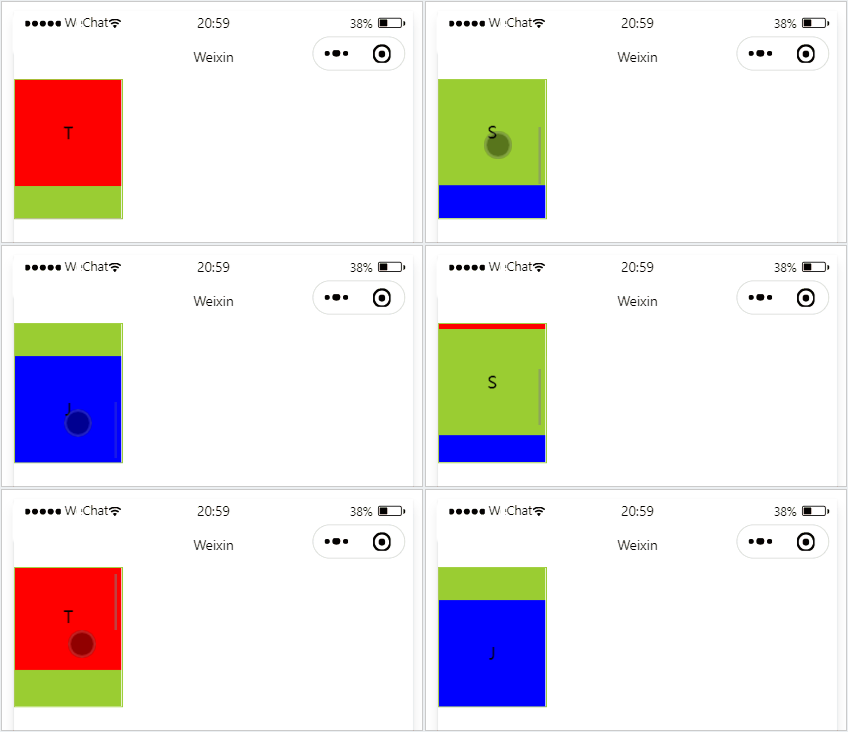
实现如图的纵向滚动效果
【微信小程序】滚动 轮播图 文本


       T 
      
     
       S 
      
     
       J 
      
    
.container_2 view{ width: 100px; height: 100px; text-align: center; line-height: 100px; } .container_2 view:nth-child(1){ background-color: red; } .container_2 view:nth-child(2){ background-color: yellowgreen; } .container_2 view:nth-child(3){ background-color: blue; } .container_2{ display: flex; justify-content: space-around } .container_2{ border: 1px solid yellowgreen; height: 130px; width: 100px; } 

scroll-y 改成 scroll-x

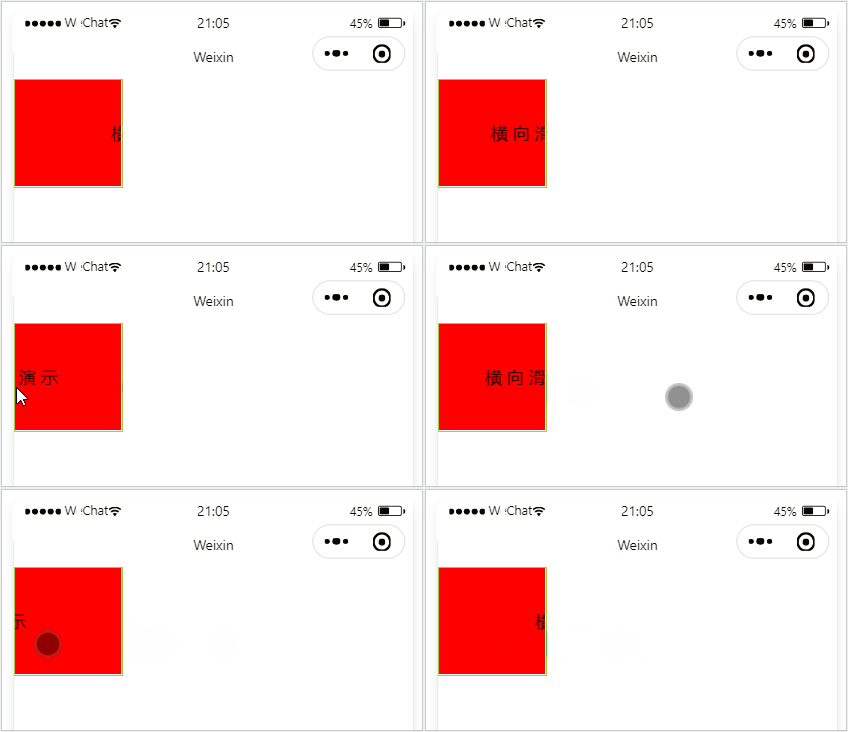
实现如图的横向滚动效果:
【微信小程序】滚动 轮播图 文本


       横 向 滑 动 演 示 
      
    
.container_2 view{ width: 300px; height: 100px; text-align: center; line-height: 100px; } .container_2 view:nth-child(1){ background-color: red; } .container_2{ display: flex; justify-content: space-around } .container_2{ border: 1px solid yellowgreen; height: 100px; width: 100px; } 

2.swiper 和 swiper-item 组件的基本使用

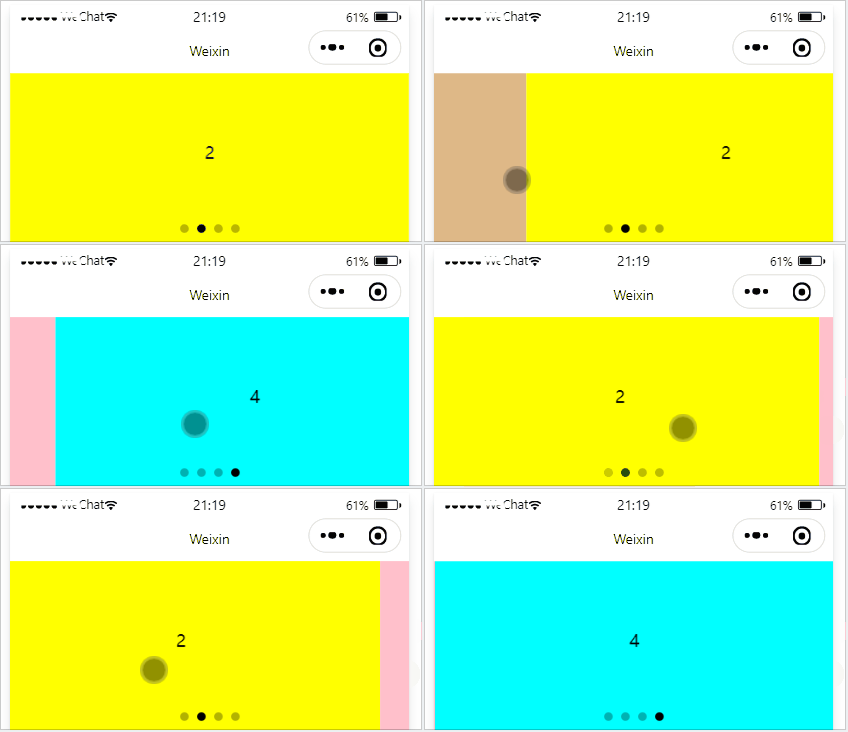
实现如图的轮播图效果:
【微信小程序】滚动 轮播图 文本


        1 


        2 


        3 


        4 


.container_3{ height: 160px; } .item{ height: 100%; line-height: 150px; text-align: center; } swiper-item:nth-child(1) .item{ background-color: burlywood; } swiper-item:nth-child(2) .item{ background-color: yellow; } swiper-item:nth-child(3) .item{ background-color: pink; } swiper-item:nth-child(4) .item{ background-color: aqua; }

.swiper 组件的常用属性
属性
类型
默认值
说明
indicator-dots
boolean false 是否显示面板指示点
indicator-color color rgba(0, 0, 0, .3) 指示点颜色
indicator-active-color color #000000 当前选中的指示点颜色
autoplay boolean false 是否自动切换
interval number 5000 自动切换时间间隔
circular boolean false 是否采用衔接滑动

3.text 组件的基本使用

文本组件

类似于 HTML 中的 span 标签,是一个行内元素

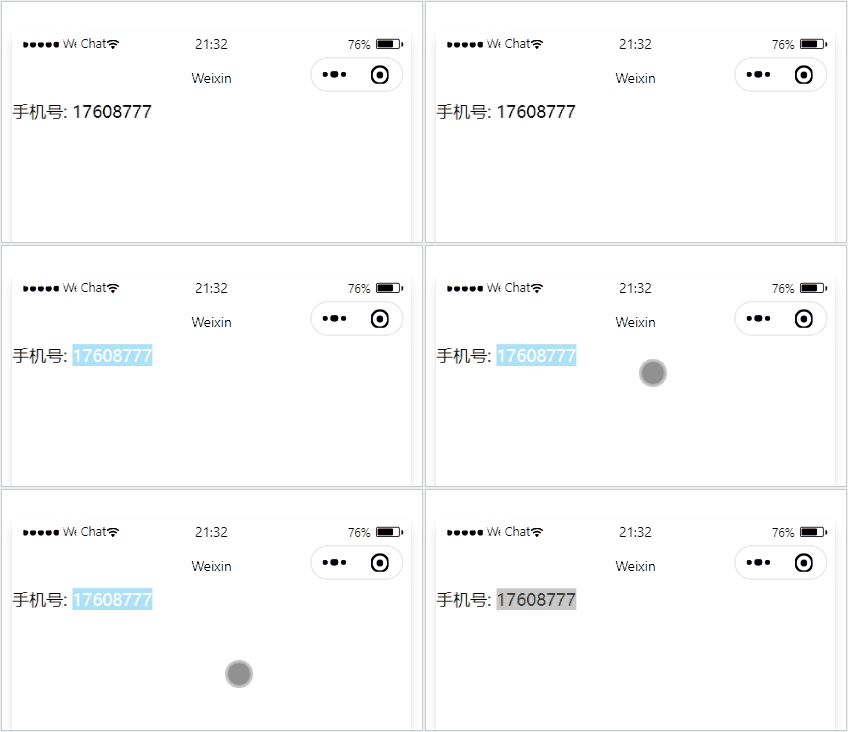
通过 text 组件的 selectable 属性,实现长按选中文本内容的效果:
【微信小程序】滚动 轮播图 文本


        手机号: 


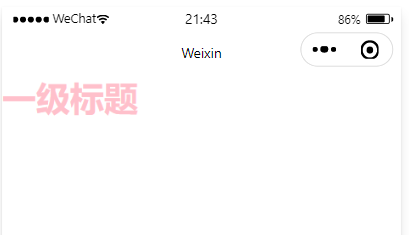
4.rich-text 组件的基本使用

富文本组件
支持把 HTML 字符串渲染为 WXML 结构
【微信小程序】滚动 轮播图 文本


版权声明:本文内容由互联网用户自发贡献,该文观点仅代表作者本人。本站仅提供信息存储空间服务,不拥有所有权,不承担相关法律责任。如发现本站有涉嫌侵权/违法违规的内容, 请联系我们举报,一经查实,本站将立刻删除。

发布者:全栈程序员-站长,转载请注明出处:https://javaforall.net/198976.html原文链接:https://javaforall.net

(0)
上一篇 2026年3月26日 下午2:07
下一篇 2026年3月26日 下午2:07


相关推荐

  • 【保姆级教程】Claude Code 进阶指南:用 Everything Claude Code 打造更有“记忆”的 AI 程序员

    【保姆级教程】Claude Code 进阶指南:用 Everything Claude Code 打造更有“记忆”的 AI 程序员

    2026年3月15日
    1
  • ettercap 局域网嗅探

    ettercap 局域网嗅探背景知识本次嗅探试验所使用到的工具有两个,ettercap和driftnet。ettercap是一款现有流行的网络抓包软件,他利用计算机在局域网内进行通信的ARP协议的缺陷进行攻击,在目标与服务器之间充当中间人,嗅探两者之间的数据流量,从中窃取用户的数据资料。ettercap的介绍ettercap有两种运行方式,UNIFIED和BRIDGED。UNIFIED的方式是以中间人方式嗅探,…

    2022年6月28日
    67
  • 图像处理——Canny算子

    图像处理——Canny算子首先感谢以下两位的渊博知识:(1)爱鱼     https://www.cnblogs.com/mightycode/p/6394810.html(2)mitutao  https://www.cnblogs.com/love6tao/p/5152020.html图像边缘信息主要集中在高频段,通常说图像锐化或检测边缘,实质就是高频滤波。我们知道微分运算是求信号的变化率,具有加

    2022年5月30日
    50
  • 安卓的shell命令_android执行linux命令

    安卓的shell命令_android执行linux命令adbdevices查询电脑已连接的设备adbshellpmlistpackages列出目标设备中已安装的应用程序包adbshellpmlistpackages-f列出目标设备中已安装的应用程序包的具体位置adbuninstallxxx卸载或删除的应用包xxxadbpull/data/app/com.tencent.tbs-1/base…

    2022年10月10日
    8
  • Excel快捷键壁纸_桌面壁纸 霸气

    Excel快捷键壁纸_桌面壁纸 霸气PS快捷键桌面壁纸由于上传文件大小的限制,需要高清原图,请私聊……

    2026年4月18日
    5
  • Java 数组转List的四种方式

    Java 数组转List的四种方式Java数组转List的四种方式第一种方式(未必最佳):使用ArrayList.asList(strArray)​ 使用Arrays工具类Arrays.asList(strArray)方式,转换完成后,只能对List数组进行查改,不能增删,增删就会抛出UnsupportedOperationException异常importjava.util.Arrays;importjava.util.List;publicstaticvoidDemo1(){String[

    2022年8月23日
    10

发表回复

您的邮箱地址不会被公开。 必填项已用 * 标注

关注全栈程序员社区公众号



