
JS动画实现
概述
- 在CSS3中可以通过transition过渡属性可以实现动画
- JS可以利用CSS3中的transition属性实现元素动画
匀速动画
JS封装匀速动画


<button id="btn">开始动画
     button> <div id="box">
      div>
var btn = document.querySelector("#btn"); var box = document.querySelector("#box"); var timer = null; var left = 0; function animation(target, distance, time) {
var each = parseInt(distance / time * 30); clearInterval(timer); timer = setInterval(function() {
if (left >= distance) {
clearInterval(timer); } else {
left += each; target.style.left = left + "px"; } }, 30); }; btn.onclick = function() {
animation(box, 800, 2000); }; 利用CSS transition属性实现平滑动画效果
<button>开始动画
     button> <div id="box">
      div> <script> var btn = document.querySelector("button"); var box = document.querySelector("#box"); btn.onclick = function() {
        box.style.transition = "all 2s linear 0s"; box.style.left = "800px"; };
       script>
缓速动画
var btn = document.querySelector("#btn"); var box = document.querySelector("#box"); var timer = null; var left = 0; function animation(target, distance) {
    clearInterval(timer); timer = setInterval(function() {
    if (left >= distance) {
    clearInterval(timer); } else {
    var step = (distance - left) / 10; step = step > 0 ? Math.ceil(step) : Math.floor(step); left += step; target.style.left = left + "px"; } }, 30); }; btn.onclick = function() {
    animation(box, 800); };
无缝连续滚动特效

<div id="banner" class="banner"> <ul id="list"> <li><img src="images/0.png" alt="">
     li> <li><img src="images/1.png" alt="">
      li> <li><img src="images/2.png" alt="">
       li> <li><img src="images/3.png" alt="">
        li> <li><img src="images/4.png" alt="">
         li> <li><img src="images/5.png" alt="">
          li>
           ul>
            div>
* {
margin: 0; padding: 0; } .banner {
width: 1000px; height: 130px; border: 1px solid red; margin: 50px auto; overflow: hidden; } .banner ul {
list-style: none; width: 5000px; position: relative; } .banner ul li {
float: left; margin-right: 10px; } var banner = document.querySelector("#banner"); var list = document.querySelector("#list"); list.innerHTML += list.innerHTML; var left = 0; var timer = null; startMove(); function startMove() {
clearInterval(timer); timer = setInterval(function() {
left -= 4; if (left <= -1260) {
left = 0; } list.style.left = left + "px"; }, 20); } function stopMove() {
clearInterval(timer); } banner.onmouseenter = function() {
stopMove(); }; banner.onmouseleave = function() {
startMove(); }; 轮播图
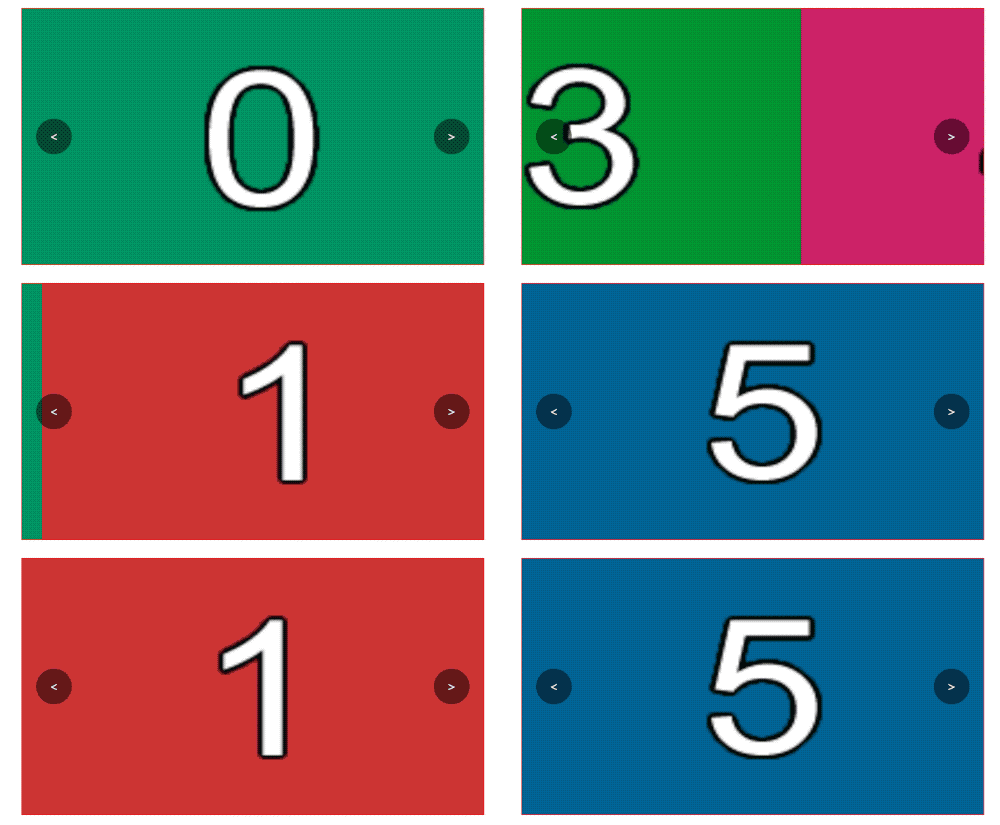
<div id="banner" class="banner"> <ul id="list"> <li><img src="images/0.png" alt="">
     li> <li><img src="images/1.png" alt="">
      li> <li><img src="images/2.png" alt="">
       li> <li><img src="images/3.png" alt="">
        li> <li><img src="images/4.png" alt="">
         li> <li><img src="images/5.png" alt="">
          li>
           ul> <a id="leftBtn" class="left-btn" href="javascript:;"><
            a> <a id="rightBtn" class="right-btn" href="javascript:;">>
             a>
              div>
* {
margin: 0; padding: 0; } .banner {
width: 650px; height: 360px; border: 1px solid red; margin: 50px auto; overflow: hidden; position: relative; } .banner ul {
list-style: none; width: 5000px; height: 100%; position: relative; left: 0; } .banner ul li {
float: left; } .banner ul li img {
width: 650px; height: 360px; } .banner a {
text-decoration: none; color: white; text-align: center; line-height: 50px; } .banner .left-btn {
position: absolute; width: 50px; height: 50px; left: 20px; top: 50%; margin-top: -25px; background-color: rgba(0, 0, 0, .5); border-radius: 50%; } .banner .right-btn {
position: absolute; width: 50px; height: 50px; right: 20px; top: 50%; margin-top: -25px; background-color: rgba(0, 0, 0, .5); border-radius: 50%; } var banner = document.querySelector("#banner"); var dot = document.querySelector("#banner #dot"); var list = document.querySelector("#list"); var leftBtn = document.querySelector("#leftBtn"); var rightBtn = document.querySelector("#rightBtn"); var firstLi = list.lastElementChild.cloneNode(true); var lastLi = list.firstElementChild.cloneNode(true); list.insertBefore(firstLi, list.firstElementChild); list.appendChild(lastLi); //总长度 var length = list.childElementCount; //当前显示第几页 var index = 1; //节流锁 var lock = false; function setPage(index) {
list.style.transition = "left .5s ease 0s"; list.style.left = -index * 650 + "px"; } setPage(index); rightBtn.onclick = function() {
if (lock) {
return; } lock = true; index++; setPage(index); if (index === length - 1) {
setTimeout(function() {
index = 1; list.style.transition = "none"; list.style.left = -index * 650 + "px"; }, 500); } setTimeout(function() {
lock = false; }, 500); }; leftBtn.onclick = function() {
if (lock) {
return; } lock = true; index--; setPage(index); if (index === 0) {
setTimeout(function() {
index = length - 2; list.style.transition = "none"; list.style.left = -index * 650 + "px"; }, 500); } setTimeout(function() {
lock = false; }, 500); }; 轮播图淡入淡出效果
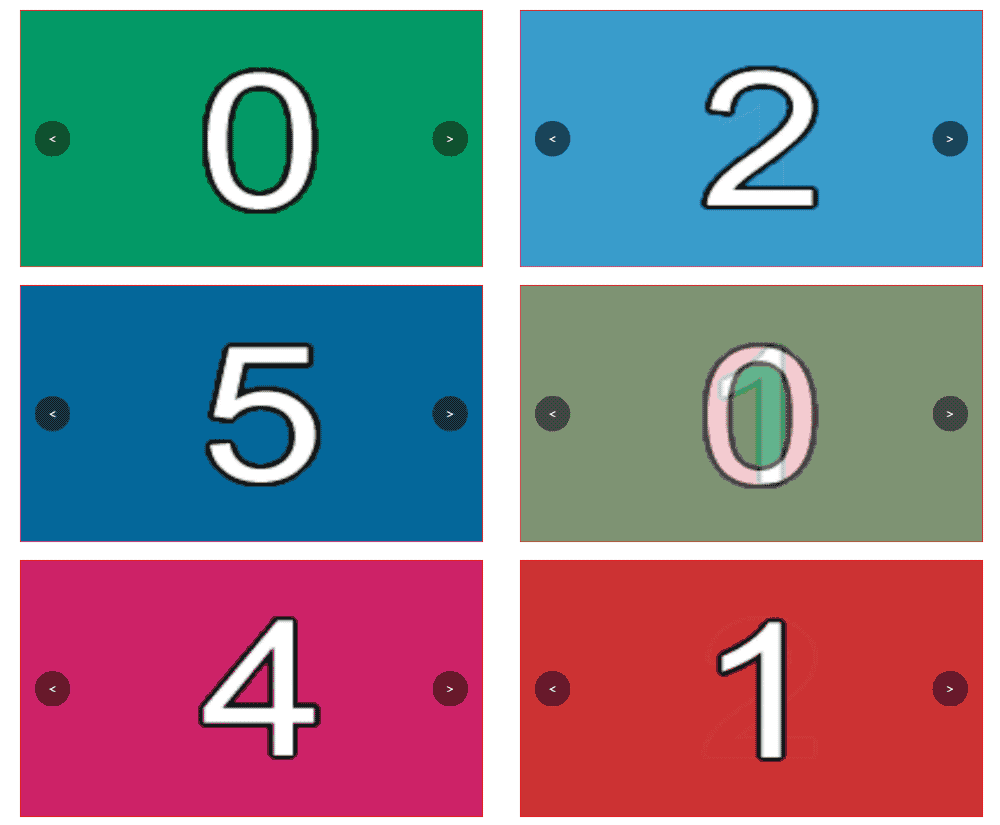
<div id="banner" class="banner"> <ul id="list"> <li><img src="images/0.png" alt="">
     li> <li><img src="images/1.png" alt="">
      li> <li><img src="images/2.png" alt="">
       li> <li><img src="images/3.png" alt="">
        li> <li><img src="images/4.png" alt="">
         li> <li><img src="images/5.png" alt="">
          li>
           ul> <a id="leftBtn" class="left-btn" href="javascript:;"><
            a> <a id="rightBtn" class="right-btn" href="javascript:;">>
             a>
              div>
* {
margin: 0; padding: 0; } .banner {
width: 650px; height: 360px; border: 1px solid red; margin: 50px auto; overflow: hidden; position: relative; } .banner ul {
list-style: none; width: 5000px; height: 100%; position: relative; left: 0; } .banner ul li {
position: absolute; top: 0; left: 0; opacity: 0; transition: opacity 1s ease 0s; } .banner ul li:first-child {
opacity: 1; } .banner ul li img {
width: 650px; height: 360px; } .banner a {
text-decoration: none; color: white; text-align: center; line-height: 50px; } .banner .left-btn {
position: absolute; width: 50px; height: 50px; left: 20px; top: 50%; margin-top: -25px; background-color: rgba(0, 0, 0, .5); border-radius: 50%; } .banner .right-btn {
position: absolute; width: 50px; height: 50px; right: 20px; top: 50%; margin-top: -25px; background-color: rgba(0, 0, 0, .5); border-radius: 50%; } var banner = document.querySelector("#banner"); var lis = document.querySelectorAll("#list li"); var leftBtn = document.querySelector("#leftBtn"); var rightBtn = document.querySelector("#rightBtn"); var index = 0; var length = lis.length; var lock = false; rightBtn.onclick = function() {
if (lock) {
return; } lock = true; lis[index].style.opacity = 0; index++; if (index >= length) {
index = 0; } lis[index].style.opacity = 1; setTimeout(function() {
lock = false; }, 1000); }; leftBtn.onclick = function() {
if (lock) {
return; } lock = true; lis[index].style.opacity = 0; index--; if (index < 0) {
index = length - 1; } lis[index].style.opacity = 1; setTimeout(function() {
lock = false; }, 1000); }; 版权声明:本文内容由互联网用户自发贡献,该文观点仅代表作者本人。本站仅提供信息存储空间服务,不拥有所有权,不承担相关法律责任。如发现本站有涉嫌侵权/违法违规的内容, 请联系我们举报,一经查实,本站将立刻删除。
发布者:全栈程序员-站长,转载请注明出处:https://javaforall.net/204166.html原文链接:https://javaforall.net


![Manus怎么申请通过率高-申请成功率高的话术分享[多图]](https://javaforall.net/wp-content/uploads/2020/11/2020110817443450-480x300.jpg)

