
遇到openssh-client版本和所依赖的版本不一致问题,把openssh-client给卸载后用aptitude安装openssh-server解决
1.卸载client
apt-get remove openssh-client 

2.安装openssh-server
aptitude install openssh-server -y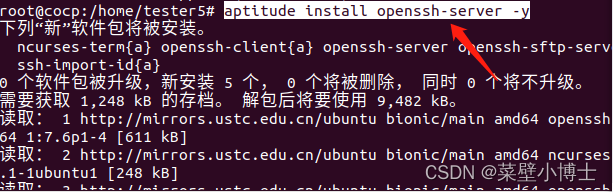
3.启动ssh
/etc/init.d/ssh start 
版权声明:本文内容由互联网用户自发贡献,该文观点仅代表作者本人。本站仅提供信息存储空间服务,不拥有所有权,不承担相关法律责任。如发现本站有涉嫌侵权/违法违规的内容, 请联系我们举报,一经查实,本站将立刻删除。
发布者:全栈程序员-站长,转载请注明出处:https://javaforall.net/207735.html原文链接:https://javaforall.net




