
树莓派开发专栏
前话
接下来介绍树莓派蓝牙模块的开发,使用的协议为bluez。
ssh远程登录到树莓派
请参照博客《树莓派开发笔记(一):入手树莓派3b,成功运行树莓派系统》
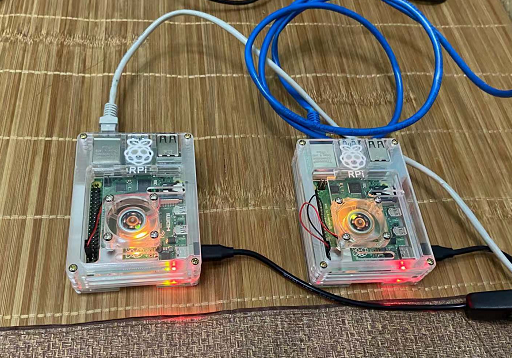
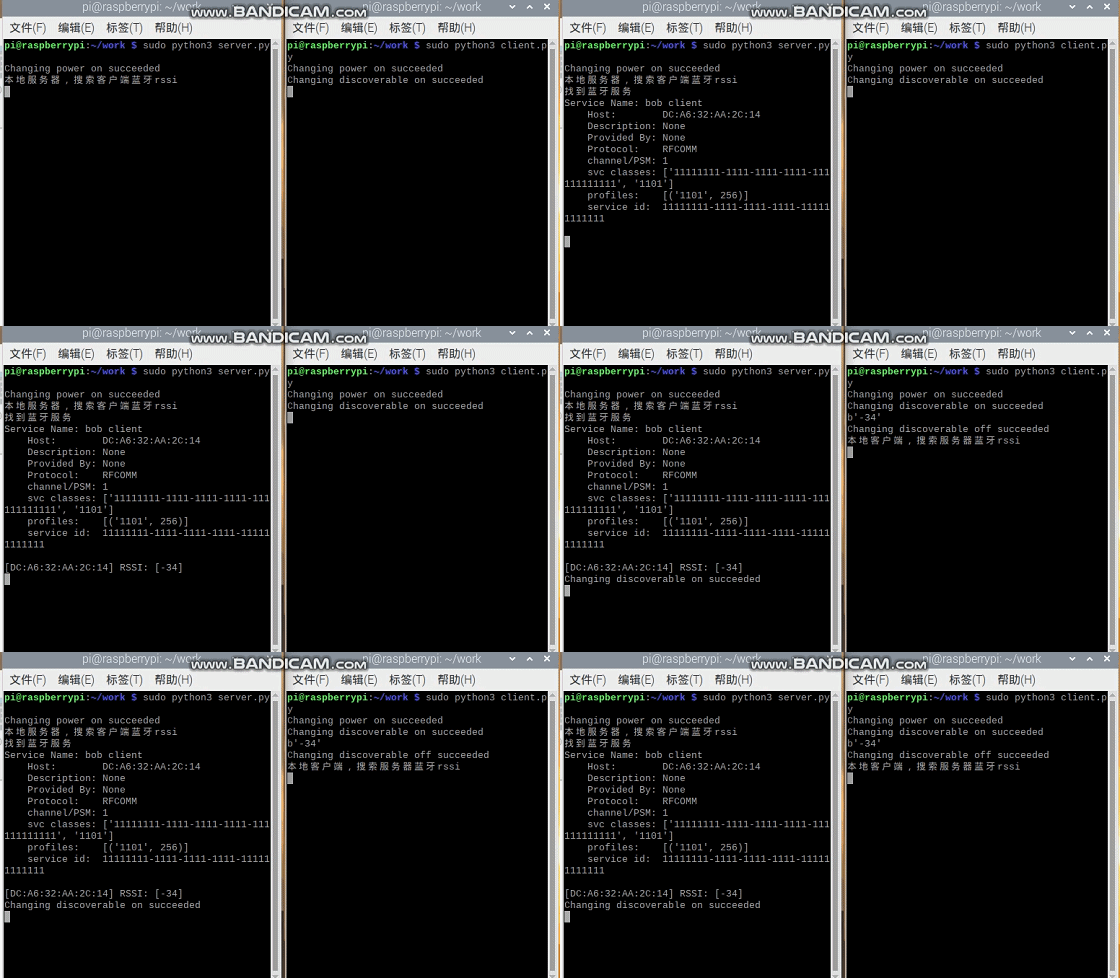
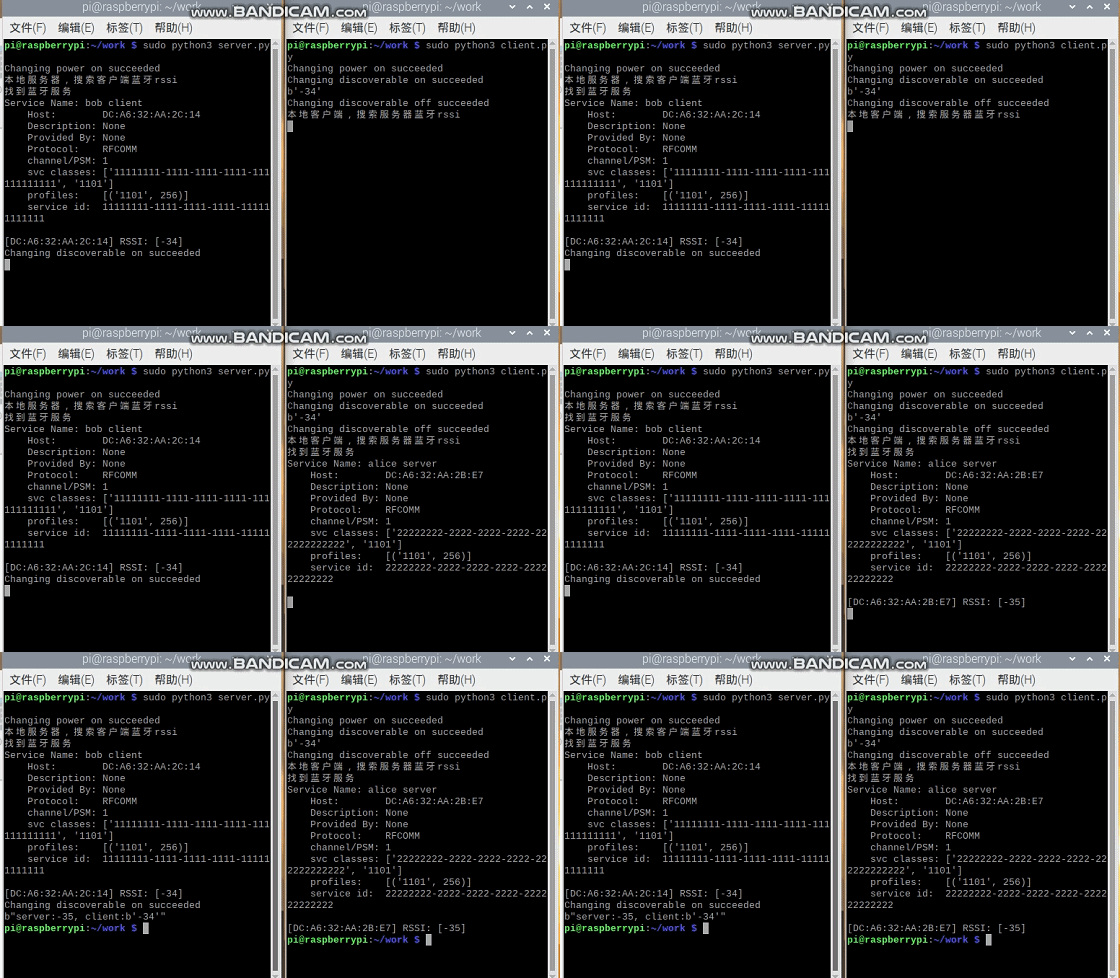
Demo:蓝牙探测信号rssi强度,并发送给服务器

Bluez
简介
- 蓝牙内核子系统核心
- L2CAP和SCO音频内核层
- RFCOMM,BNEP,CMTP和HIDP内核实现
- HCI UART,USB,PCMCIA和虚拟设备驱动程序
- 通用蓝牙和SDP库和守护程序
- 配置和测试实用程序
- 协议解码和分析工具
搭建Bluez
步骤一:安装bluez
sudo apt-get install bluez
蓝牙明命令行hciconfig/hcitool的使用
检查蓝牙设备是否加载成功
hciconfig 
打开蓝牙
sudo hciconfig hci0 up 
扫描蓝牙
sudo hciconfig iscan 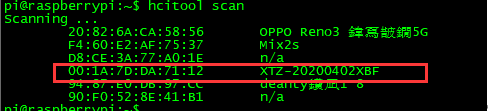
蓝牙命令行工具bluetoothctl
(注意:不好用,显示的都是mac地址,而且中文乱码,周围蓝牙多,根本分不清楚)
启动蓝牙程序
bluetoothctl 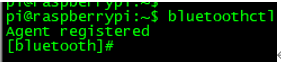
启动/关闭蓝牙电源
power on/off 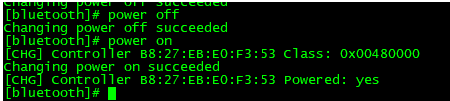
获取要配对设备的MAC地址
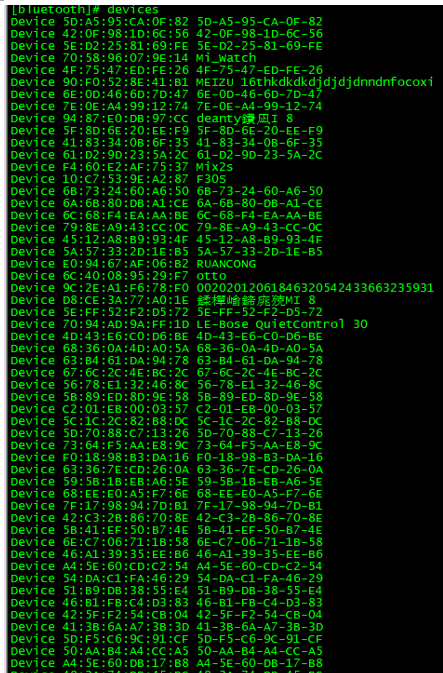
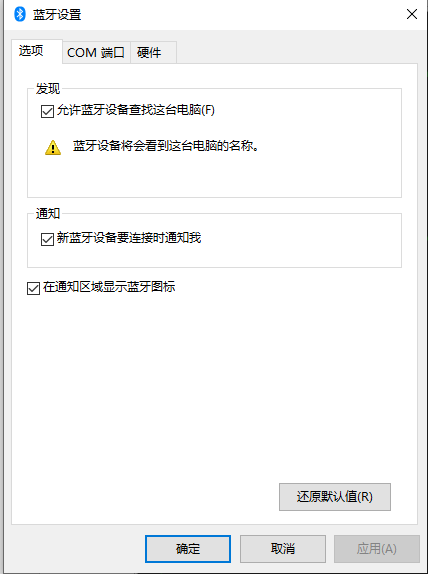
电脑上的蓝牙,先打开:
pybluez使用
sudo python3 -m pip install pybluez 关键源码
server.py
# -*-coding: utf-8 -*- from bluetooth import * import sys import time import os import struct import bluetooth._bluetooth as bluez import bluetooth global hostRssi os.system("bluetoothctl power on") # 获取服务,通过uuid查找目标服务 #uuid = "63078d70-feb9-lle7-9812-dca90488bd22" #os.system("bluetoothctl discoverable on") dstuuid = "-1111-1111-1111-1" localuuid = "-2222-2222-2222-2" print("本地服务器,搜索客户端蓝牙rssi") ... data = client.recv(1024) print (data) client.close() bluetooth_sock.close() client.py
from bluetooth import * import sys import time import os import struct import bluetooth._bluetooth as bluez import bluetooth global hostRssi #开启蓝牙可见 os.system("bluetoothctl power on") os.system("bluetoothctl discoverable on") dstuuid = "-2222-2222-2222-2" localuuid = "-1111-1111-1111-1" bluetooth_sock=BluetoothSocket(RFCOMM) bluetooth_sock.bind(("",PORT_ANY)) bluetooth_sock.listen(1) ... data = "server:" + str(hostRssi) + ", client:" + str(clientRssi) ...
入坑
入坑一:打开蓝颜失败
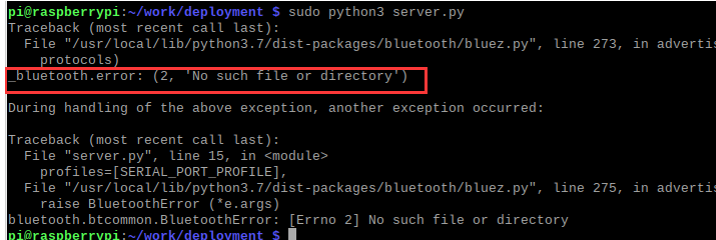
sudo vim /lib/systemd/system/bluetooth.service 修改文件内容
#ExecStart=/usr/lib/bluez5/bluetooth/bluetoothd ExecStart=/usr/lib/bluez5/bluetooth/bluetoothd -E -C &emso;&emso;然后重启服务
sudo sdptool add SP sudo systemctl daemon-reload sudo systemctl restart bluetooth sudo sdptool browse local 入坑二:“no advertisable device”

原因:由于蓝牙不可见导致
版权声明:本文内容由互联网用户自发贡献,该文观点仅代表作者本人。本站仅提供信息存储空间服务,不拥有所有权,不承担相关法律责任。如发现本站有涉嫌侵权/违法违规的内容, 请联系我们举报,一经查实,本站将立刻删除。
发布者:全栈程序员-站长,转载请注明出处:https://javaforall.net/230155.html原文链接:https://javaforall.net



