
【转载请注明出处: http://blog.csdn.net/lzlx】
接口
BOOL BitBlt(
_In_ HDC hdcDest,
_In_ int nXDest,
_In_ int nYDest,
_In_ int nWidth,
_In_ int nHeight,
_In_ HDC hdcSrc,
_In_ int nXSrc,
_In_ int nYSrc,
_In_ DWORD dwRop
);
坐标、大小参数的含义
图片大小550×342
当nWidth和nHeight大于原图片大小时,图片正常输出。
BitBlt(hdc,0,0,1000,1000,buf_hdc,0,0,SRCCOPY);

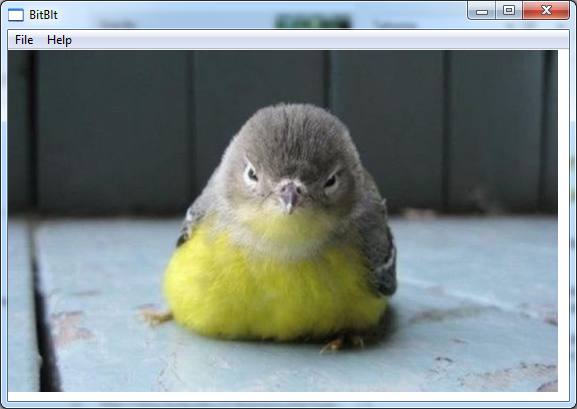
当某一维小于图片尺寸的时候,图片被剪裁
BitBlt(hdc,0,0,1000,180,buf_hdc,0,0,SRCCOPY);
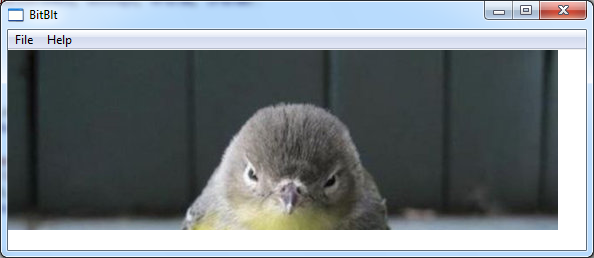
nXSrc和nYSrc决定了从源HDC的哪个点开始截取图
BitBlt(hdc,0,0,550,342,buf_hdc,100,100,SRCCOPY);
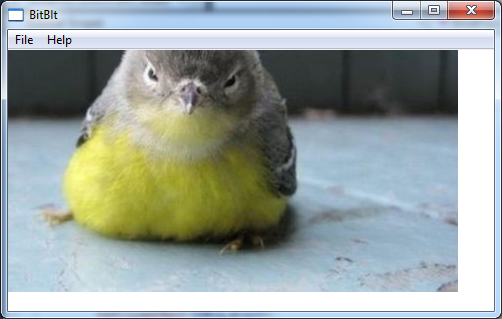
当nXSrc和nYSrc为负数的时候
BitBlt(hdc,0,0,550,342,buf_hdc,-100,-100,SRCCOPY);
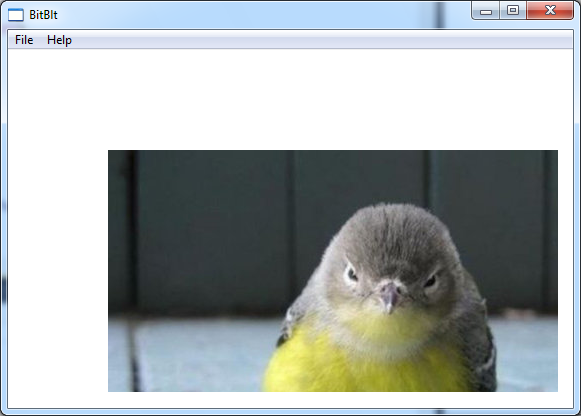
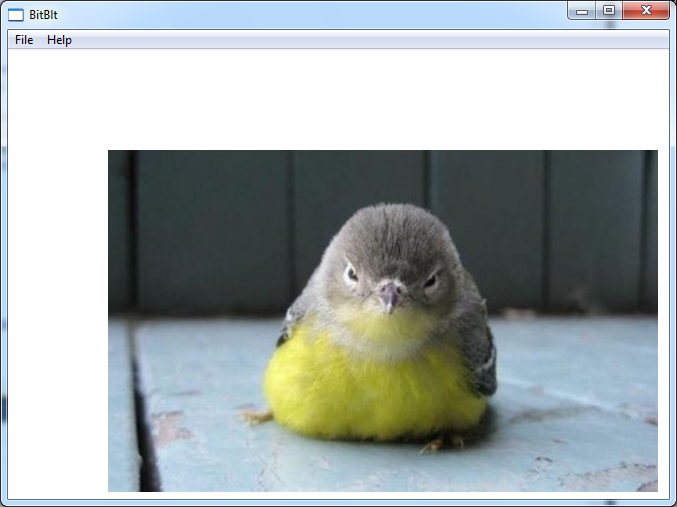
nXDest和nYDest决定了从目标HDC的哪个点开始贴图
BitBlt(hdc,100,100,550,342,buf_hdc,0,0,SRCCOPY);
参数dwRop的含义
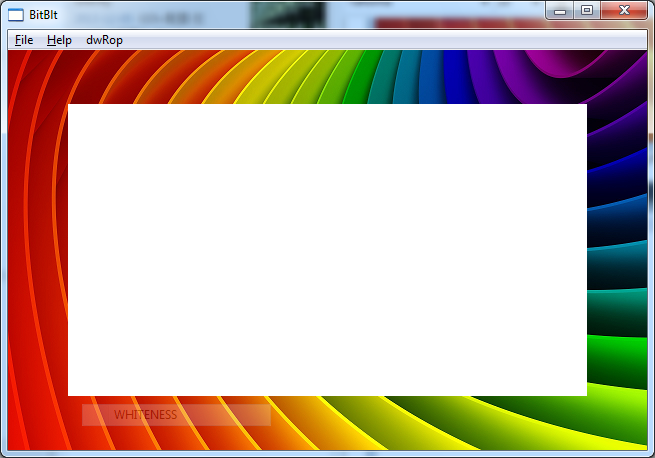
background: 640×400
foreground: 519×292
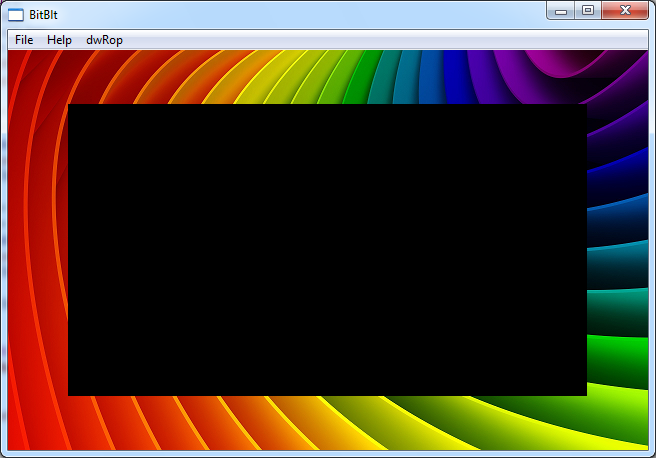
BLACKNESS: Fills the destination rectangle using the color associated with index 0 in the physical palette. (This color is black for the default physical palette.)
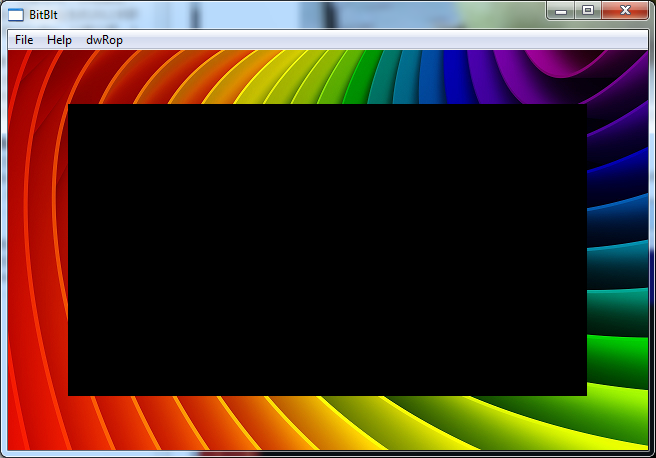
CAPTUREBLT: Includes any windows that are layered on top of your window in the resulting image. By default, the image only contains your window. Note that this generally cannot be used for printing device contexts.
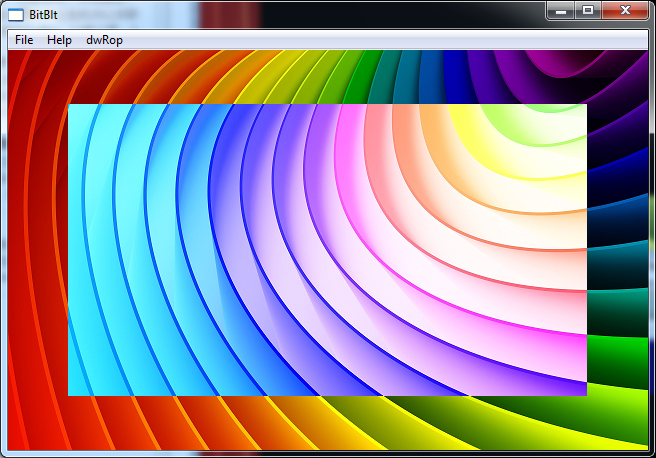
DSTINVERT: Inverts the destination rectangle.
MERGECOPY: Merges the colors of the source rectangle with the brush currently selected in hdcDest, by using the Boolean AND operator.
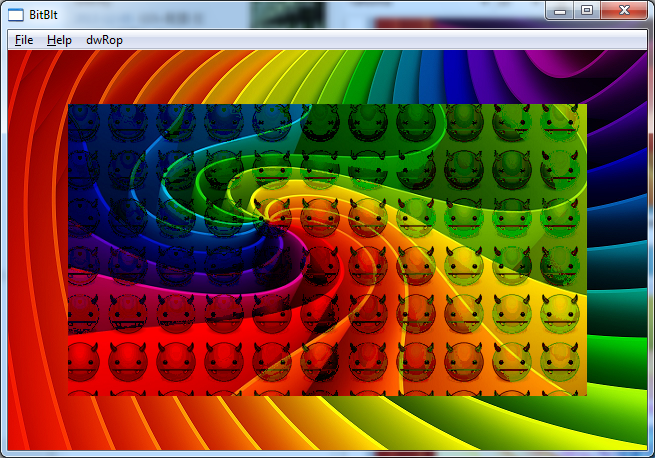
MERGEPAINT: Merges the colors of the inverted source rectangle with the colors of the destination rectangle by using the Boolean OR operator.
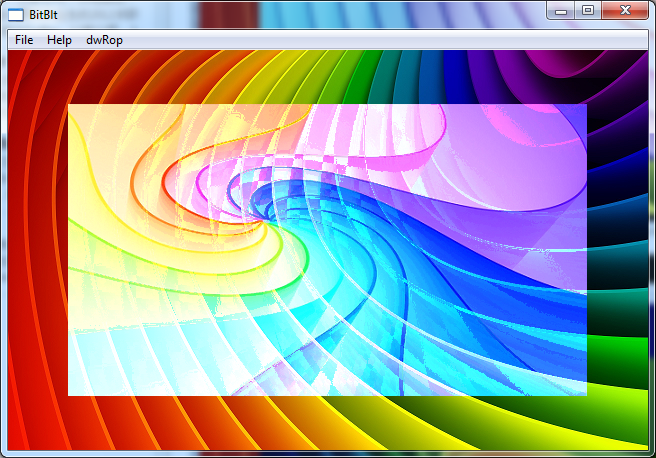
NOMIRRORBITMAP: Prevents the bitmap from being mirrored.
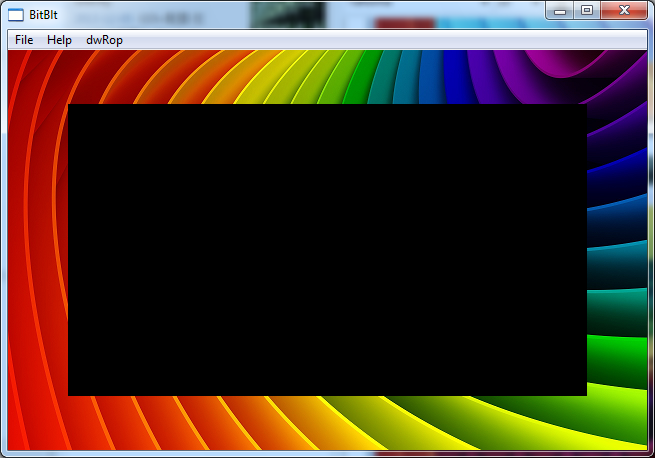
NOTSRCCOPY: Copies the inverted source rectangle to the destination.
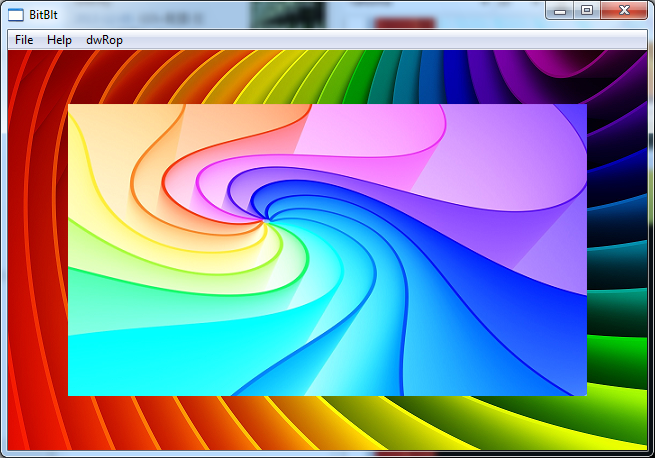
NOTSRCERASE: Combines the colors of the source and destination rectangles by using the Boolean OR operator and then inverts the resultant color.
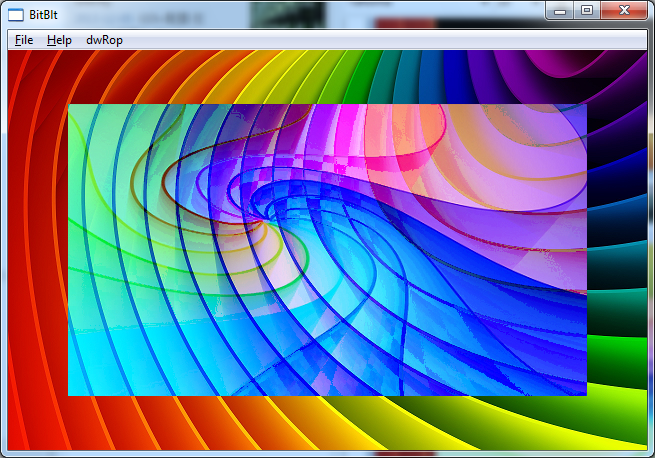
PATCOPY: Copies the brush currently selected in hdcDest, into the destination bitmap.
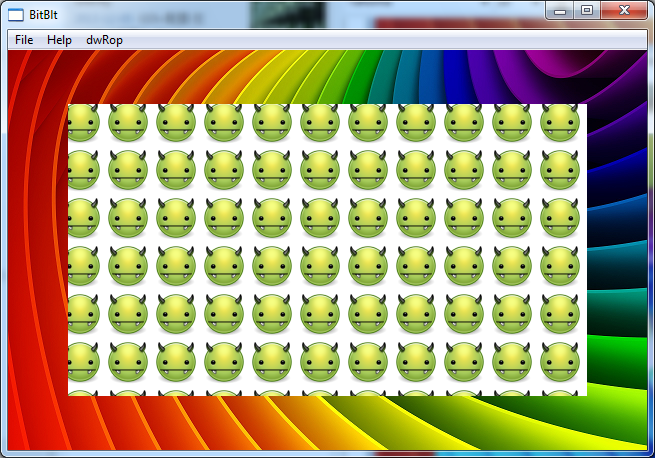
PATINVERT: Combines the colors of the brush currently selected in hdcDest, with the colors of the destination rectangle by using the Boolean XOR operator.
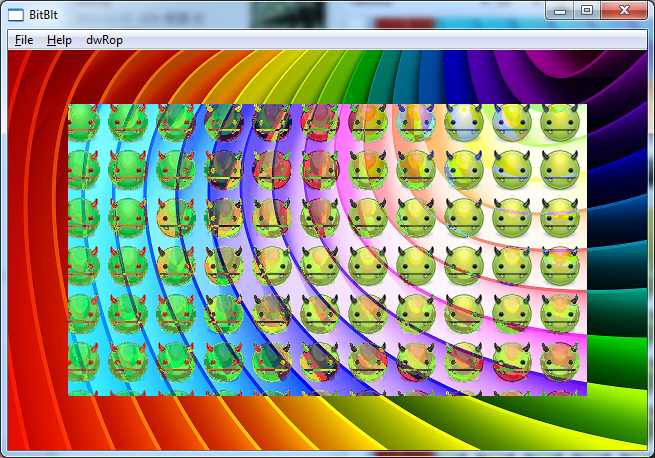
PATPAINT: Copies the brush currently selected in hdcDest, into the destination bitmap.

SRCAND: Combines the colors of the source and destination rectangles by using the Boolean AND operator.
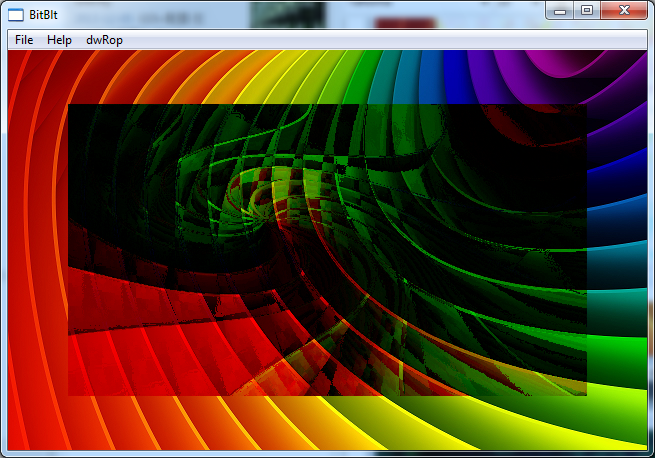
SRCCOPY: Copies the source rectangle directly to the destination rectangle.
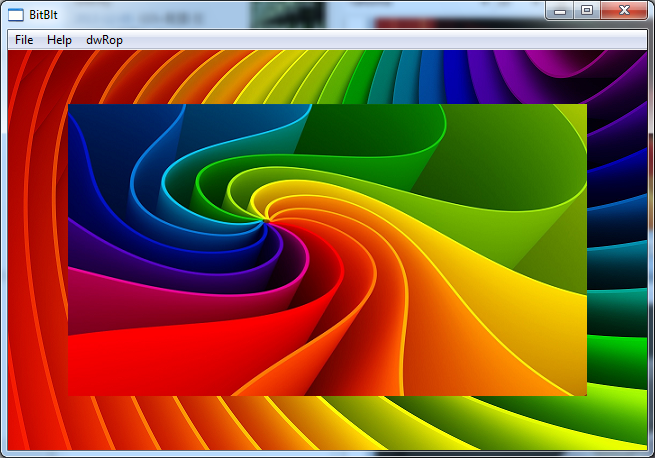
SRCERASE: Combines the inverted colors of the destination rectangle with the colors of the source rectangle by using the Boolean AND operator.
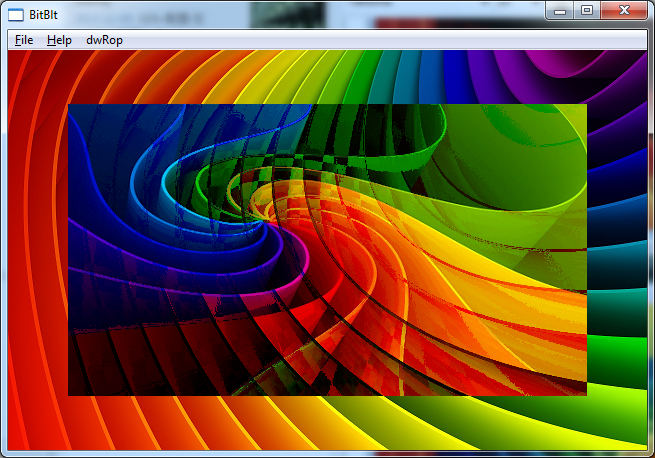
SRCINVERT: Combines the colors of the source and destination rectangles by using the Boolean XOR operator.
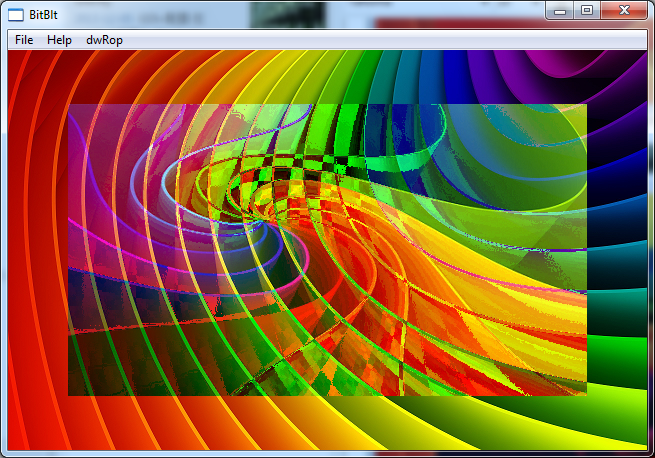
SRCPAINT: Combines the colors of the source and destination rectangles by using the Boolean OR operator.
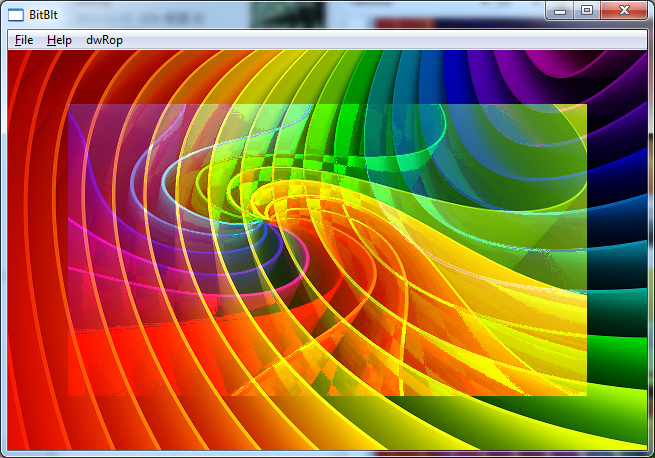
WHITENESS: Fills the destination rectangle using the color associated with index 1 in the physical palette. (This color is white for the default physical palette.)
发布者:全栈程序员-站长,转载请注明出处:https://javaforall.net/230526.html原文链接:https://javaforall.net




