
https://docs.n8n.io/hosting/installation/docker/
Quickly n8n 工作流 教程 deploy n8n with PostgreSQL using Docker Compose: https://gitee.com/arnold_s/my-learning-test/tree/master/_n8nTest/docker-compose/withPostgres
Docker offers the following advantages:
- Installs n8n in a clean environment.
- Easier setup for your preferred database.
- Can avoid issues due to different operating systems, as Docker provides a consistent system.
- Can avoid compatibility issues due to differences in operating systems and tools.
- Makes migrating to new hosts or environments more straightforward.
You can also use n8n in Docker with Docker Compose. You can find Docker Compose configurations for various architectures in the n8n-hosting repository.
Self-hosting n8n requires technical knowledge, including:
- Setting up and configuring servers and containers
- Managing application resources and scaling
- Securing servers and applications
- Configuring n8n
n8n recommends self-hosting for expert users. Mistakes can lead to data loss, security issues, and downtime. If you aren’t experienced at managing servers, n8n recommends n8n Cloud.
Before proceeding, install Docker Desktop.
Note | Linux Users
Docker Desktop is available for Mac and Windows. Linux users must install Docker Engine and Docker Compose individually for your distribution.
Note | Latest and Next versions
n8n releases a new minor version most weeks. The latest version is for production use. next is the most recent release. You should treat next as a beta: it may be unstable. To report issues, use the forum.
From your terminal, run:
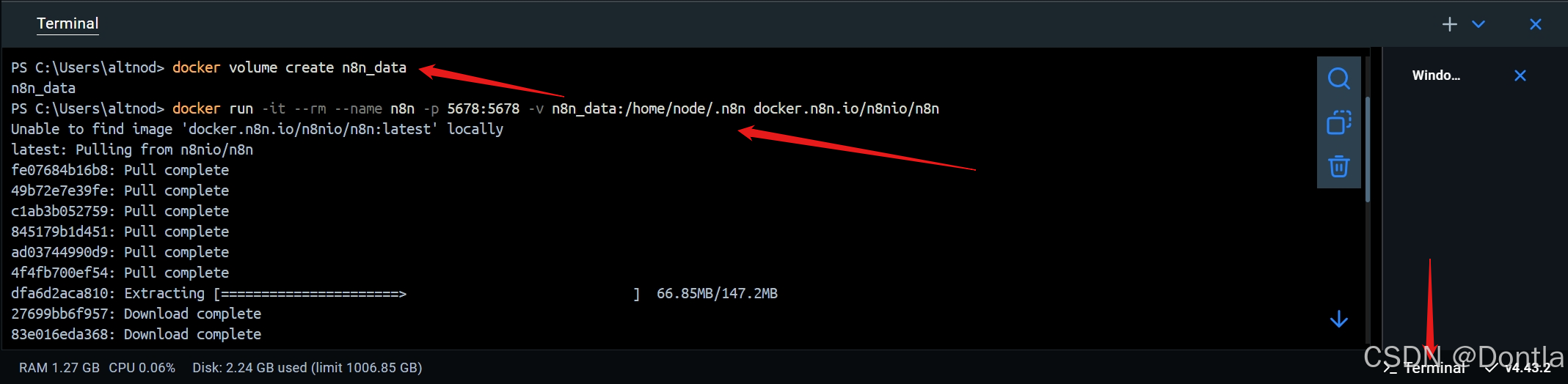

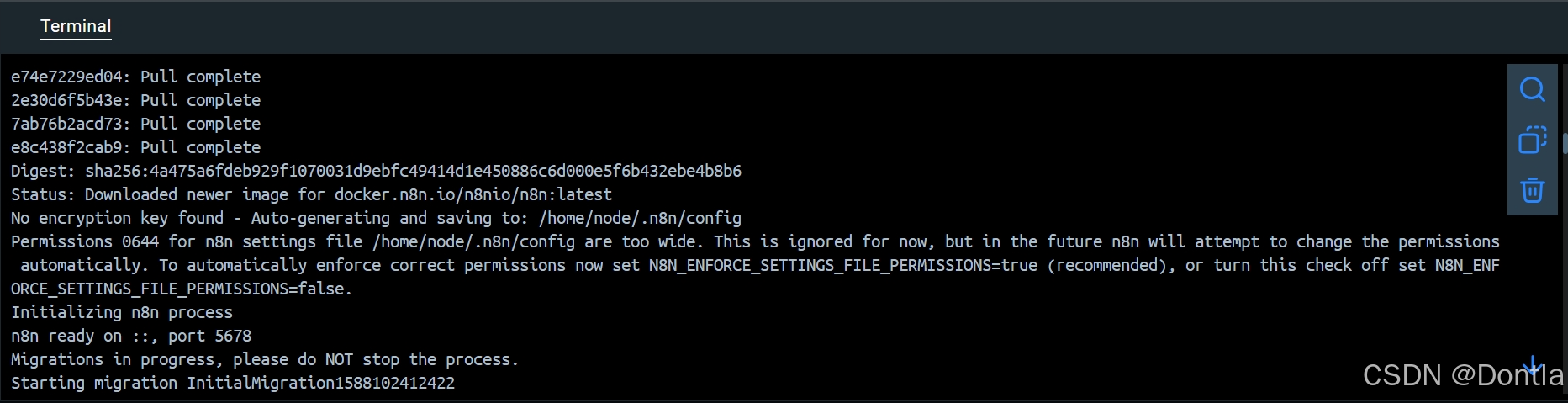
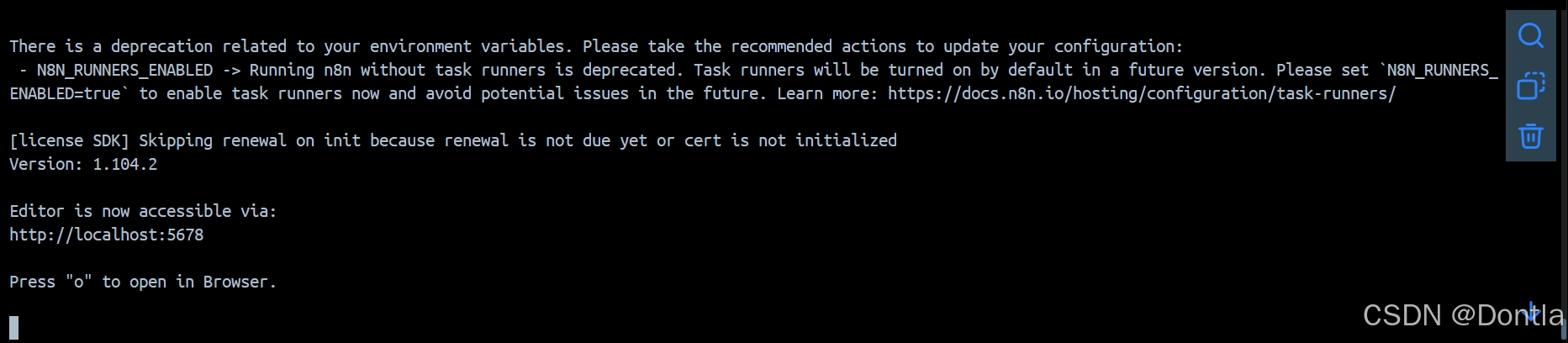
This command creates a volume to store persistent data, downloads the required n8n image, and starts your container, exposed on port . To save your work between container restarts, it also mounts a docker volume, , to persist your data locally.
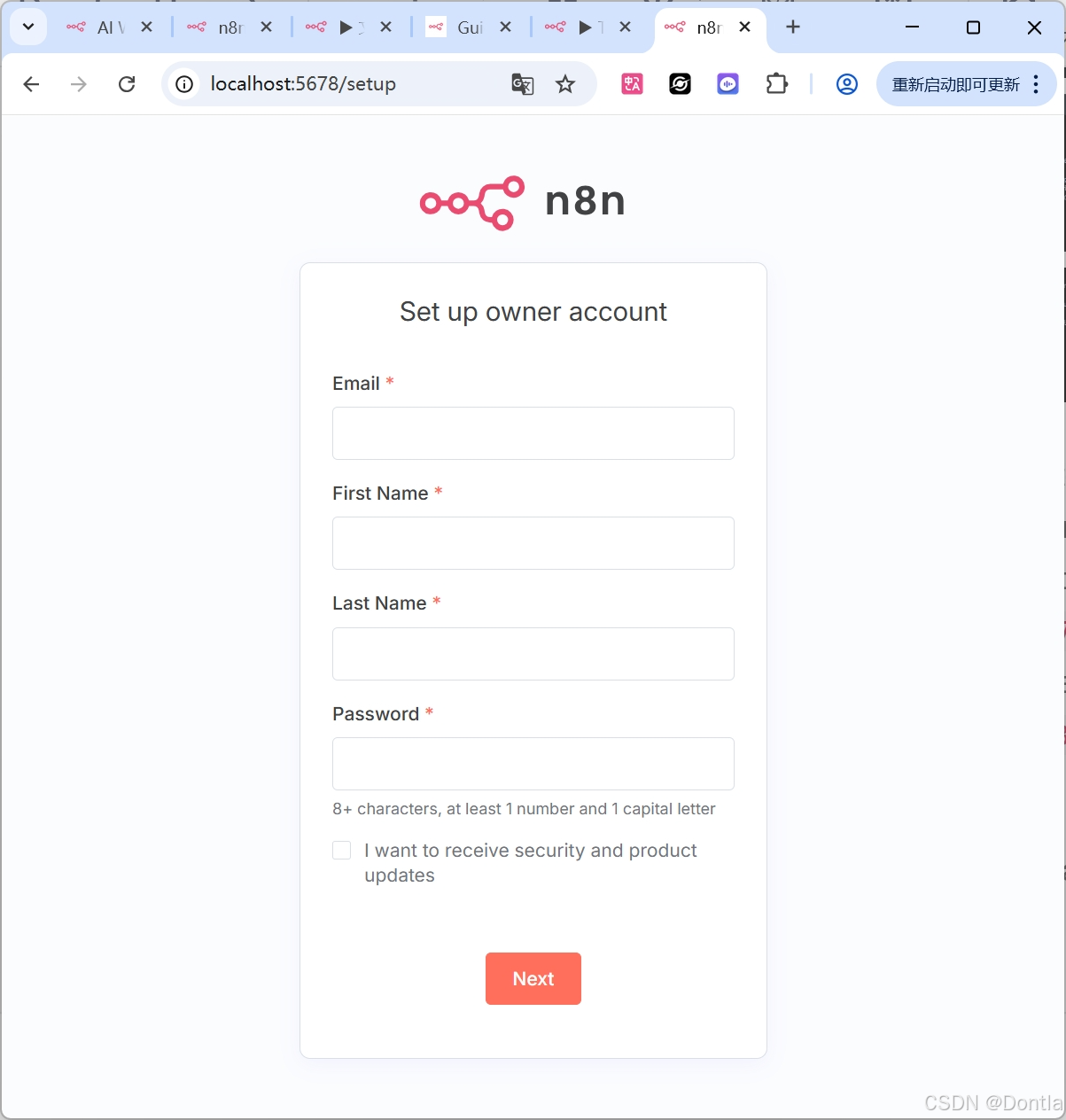

By default, n8n uses SQLite to save credentials, past executions, and workflows. n8n also supports PostgreSQL, configurable using environment variables as detailed below.
When using PostgreSQL, it’s still important to persist the data stored in the folder. This includes n8n user data and, even more importantly, the encryption key for credentials. It’s also the name of the webhook when using the n8n tunnel.
If n8n can’t find the directory on startup, it automatically creates one. In this case, all existing credentials that n8n saved with a different encryption key will no longer work.
Note | Keep in mind
While persisting the directory with PostgreSQL is the recommended best practice, it’s not explicitly required. You can provide the encryption key by passing the environment variable when starting your Docker container.
To use n8n with PostgreSQL, execute the following commands, replacing the placeholders (depicted within angled brackets, for example ) with your actual values:
For example:
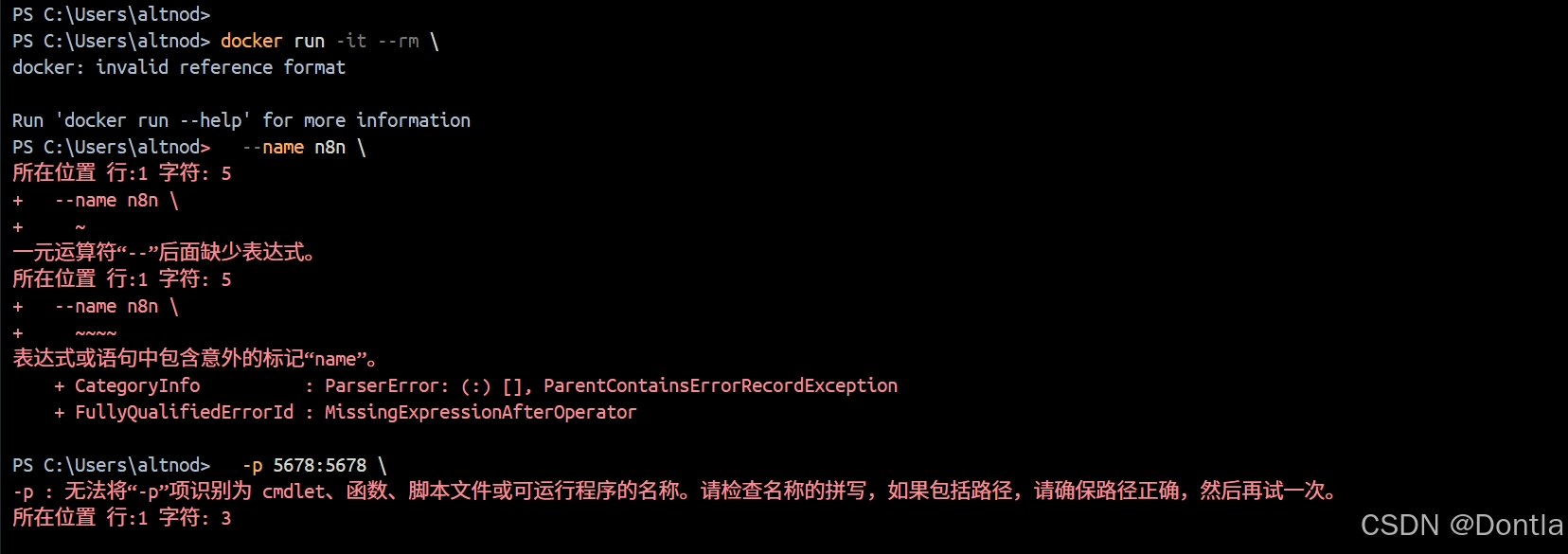
The command above cannot be executed properly in Windows PowerShell; the command below, with the backslashes () removed, is okay.

I encountered an error because I did not have a PostgreSQL database deployed locally.
You can find a complete file for PostgreSQL in the n8n hosting repository.
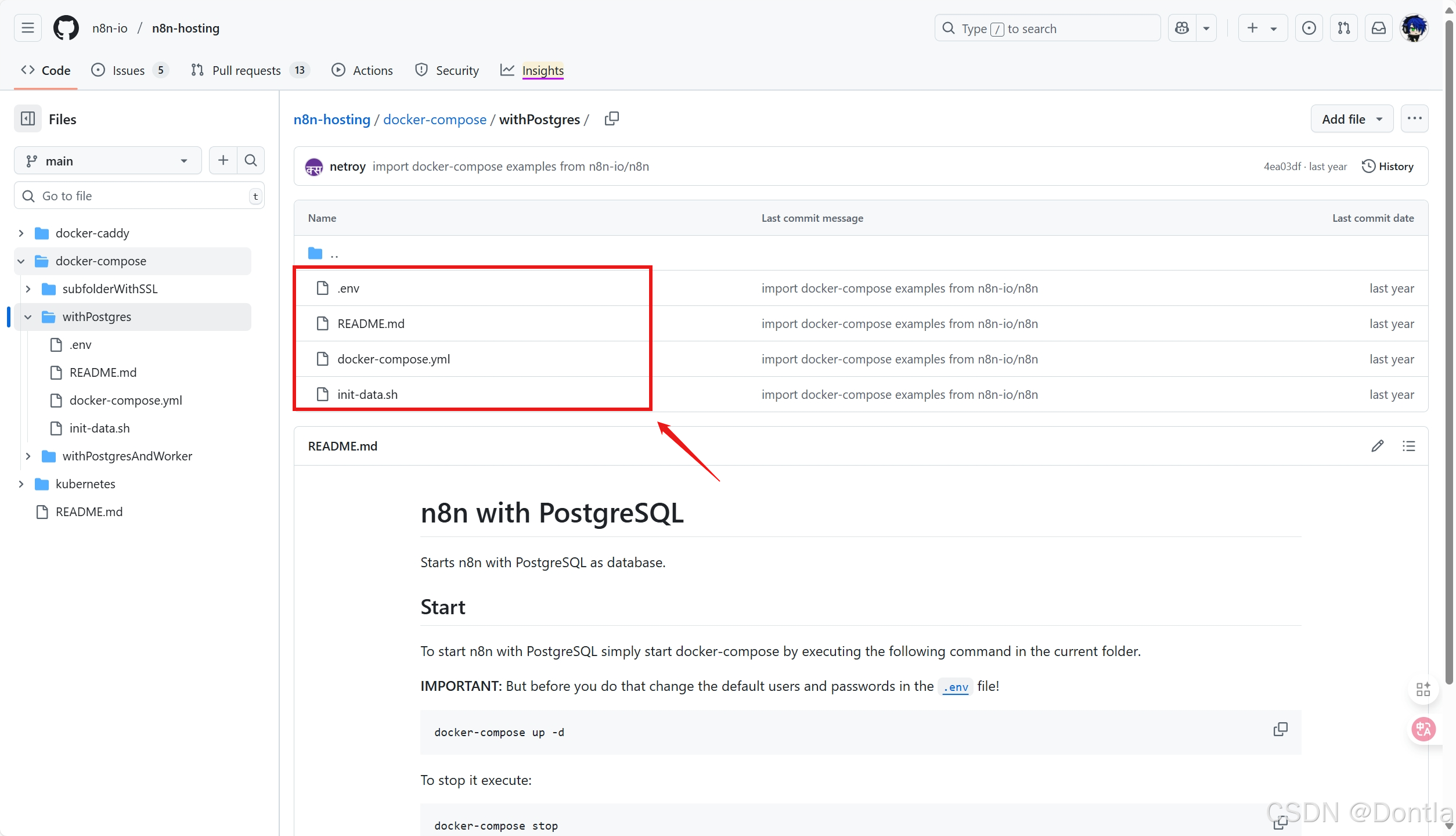
You can download these files by using this tool: https://minhaskamal.github.io/DownGit/#/home
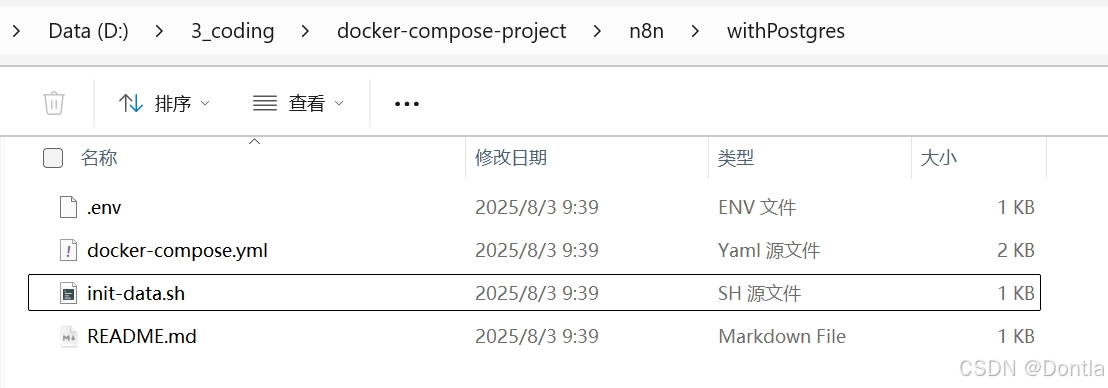
Run this command to start. (To stop, run .)
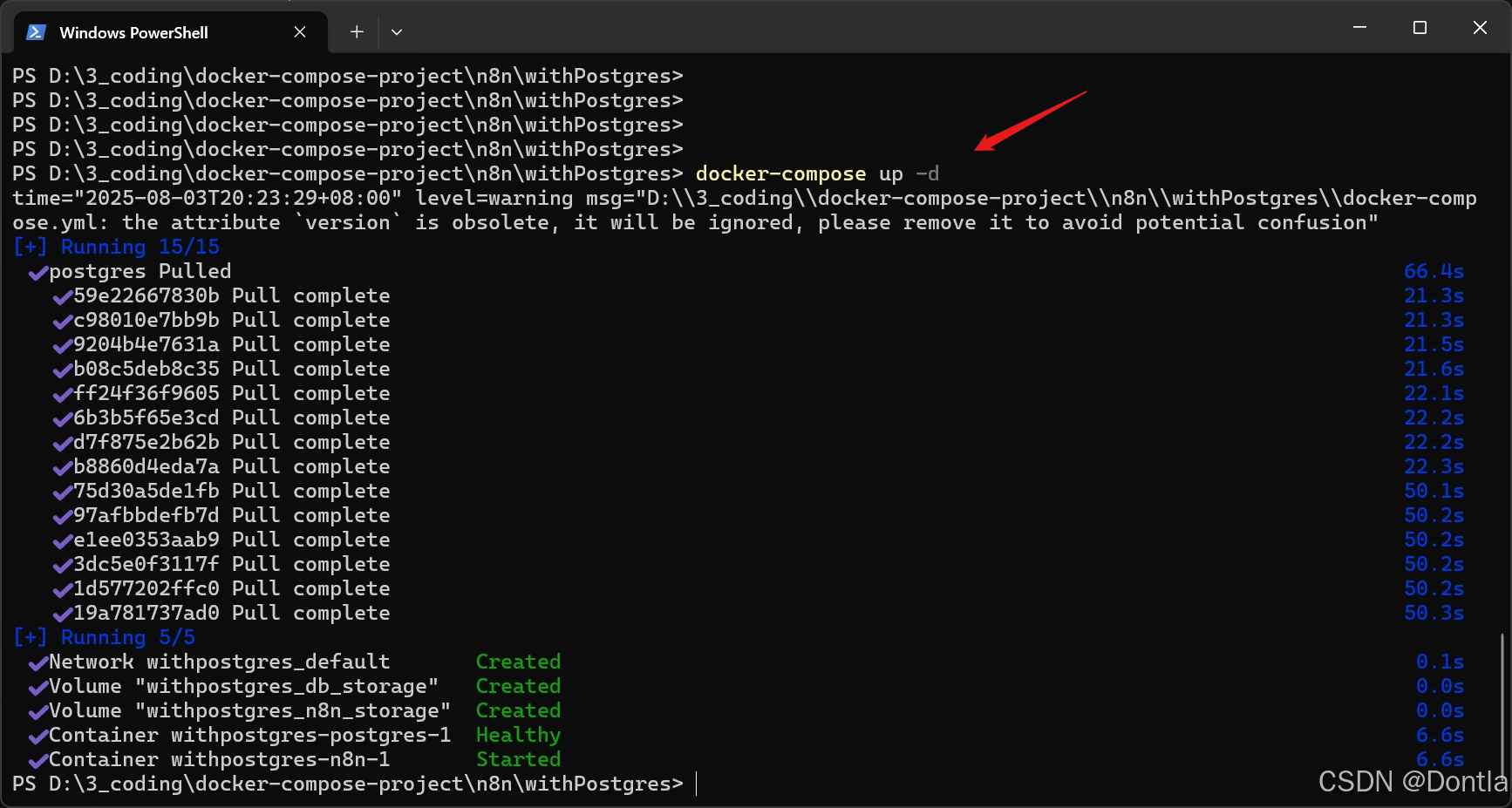

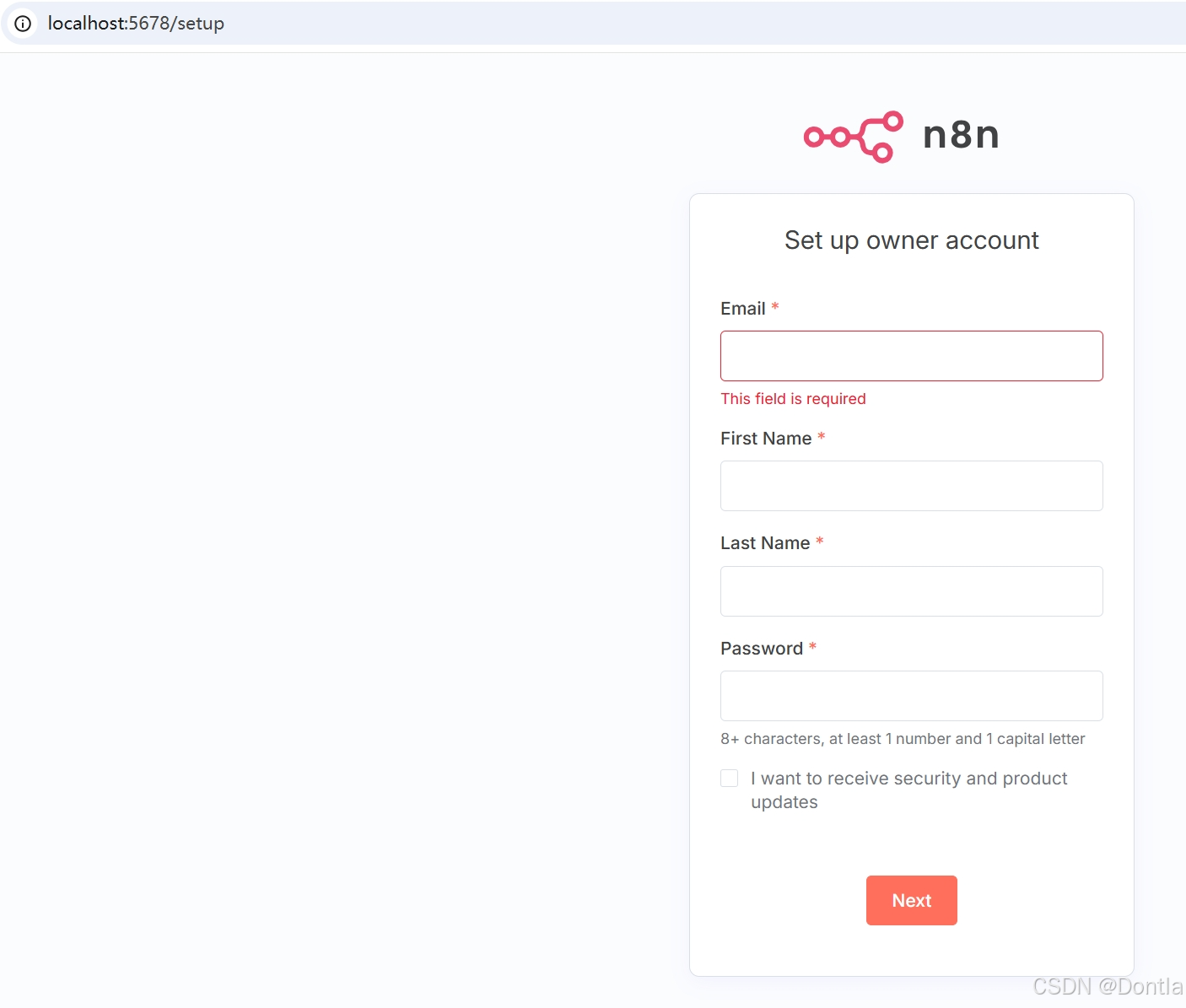
http://localhost:5678/
To define the timezone n8n should use, you can set the environment variable. Schedule-oriented nodes, like the Schedule Trigger node use this to determine the correct timezone.
You can set the system timezone, which controls what some scripts and commands like return, using the environment variable.
This example sets the same timezone for both variables:
In the docker-compose.yaml file, I added these two environment variables. You can check it through this link: https://gitee.com/arnold_s/my-learning-test/tree/master/_n8nTest/docker-compose/withPostgres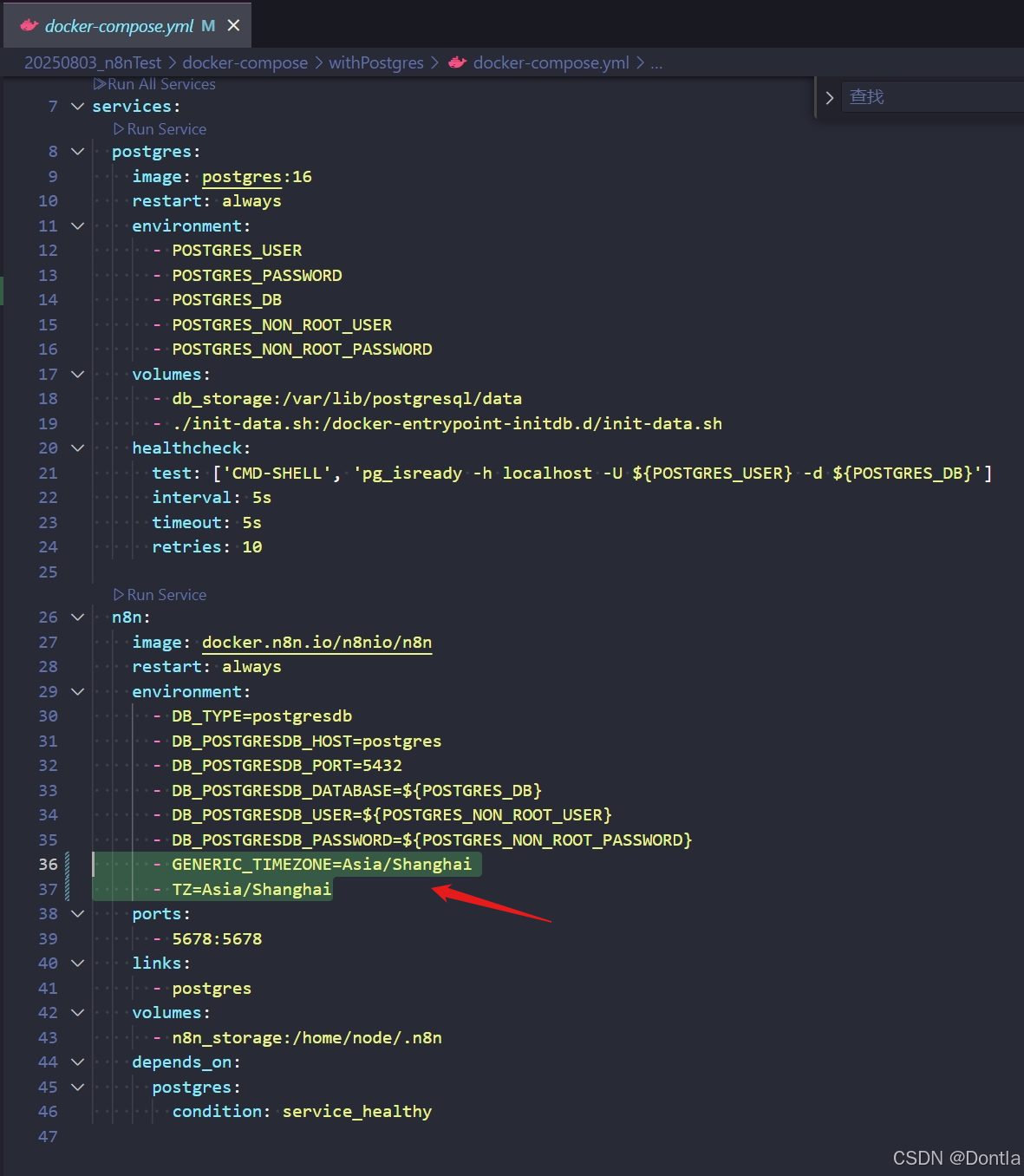
Wrong sample ×:
(Docker Compose will see double quotation marks as part of value in .)
Correct sample √:

If timezone set success, you can see this result when you execute the command in n8n container.
To update n8n, in Docker Desktop, navigate to the Images tab and select Pull from the context menu to download the latest n8n image:
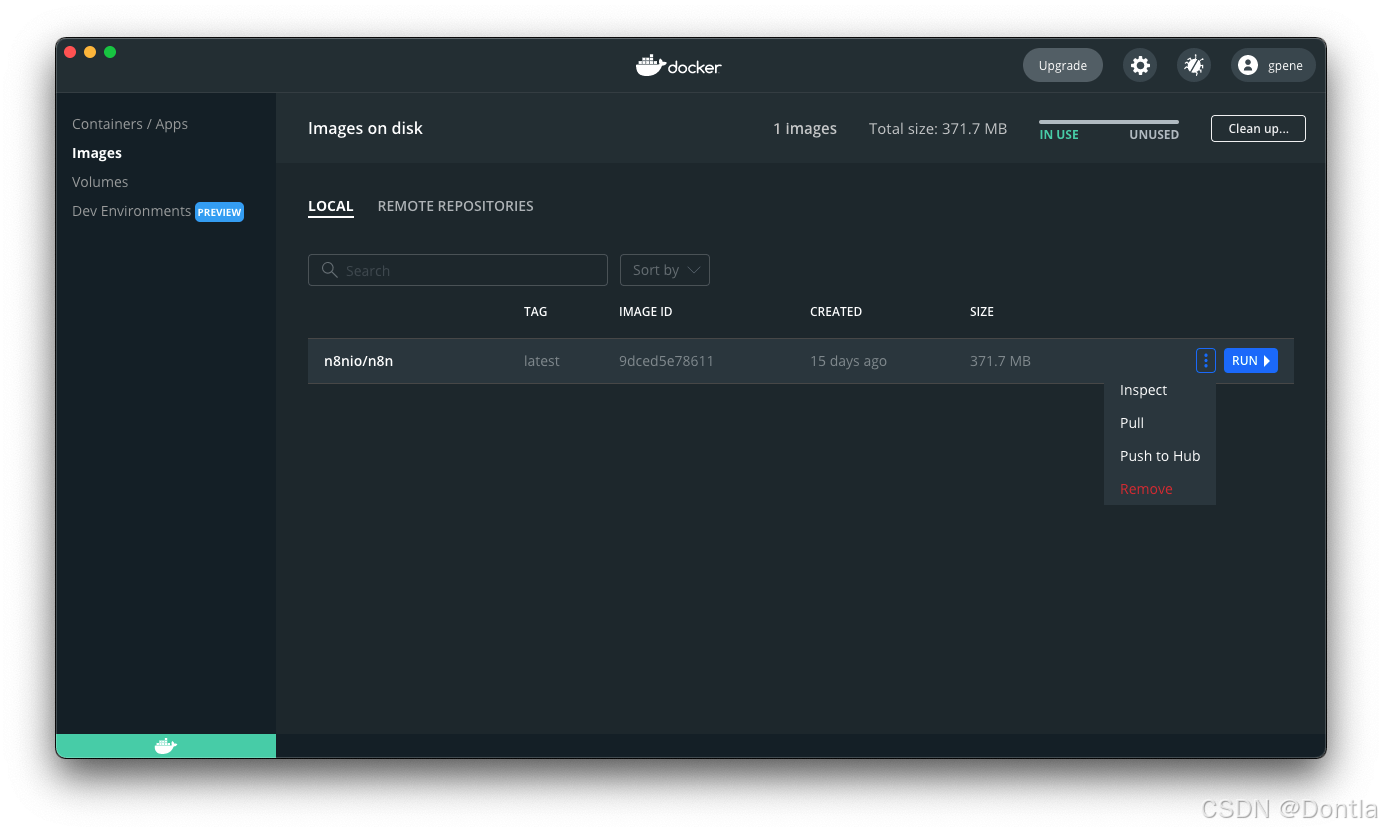
You can also use the command line to pull the latest, or a specific version:
After pulling the updated image, stop your n8n container and start it again. You can also use the command line. Replace in the commands below with the container ID you find in the first command:
Updating Docker Compose
If you run n8n using a Docker Compose file, follow these steps to update n8n:
You can find more information about Docker setup in the README file for the Docker image.
Danger
Use this for local development and testing. It isn’t safe to use it in production.
To use webhooks for trigger nodes of external services like GitHub, n8n has to be reachable from the web. n8n runs a tunnel service that can redirect requests from n8n’s servers to your local n8n instance.
Start n8n with by running:
- Learn more about configuring and scaling n8n.
- Or explore using n8n: try the Quickstarts.
发布者:全栈程序员-站长,转载请注明出处:https://javaforall.net/249744.html原文链接:https://javaforall.net




