
一、Opencv官方文档中resize的描述:
C++: void resize(InputArray src, OutputArray dst, Size dsize, double fx=0, double fy=0, int interpolation=INTER_LINEAR )
Python: cv2.resize(src, dsize[, dst[, fx[, fy[, interpolation]]]]) → dst
C: void cvResize(const CvArr* src, CvArr* dst, int interpolation=CV_INTER_LINEAR )
Either dsize or both fx and fy must be non-zero.
INTER_NEAREST – a nearest-neighbor interpolation
INTER_LINEAR – a bilinear interpolation (used by default)
INTER_AREA – resampling using pixel area relation. It may be a preferred method for image decimation, as it gives moire’-free results. But when the image is zoomed, it is similar to the INTER_NEAREST method.
INTER_CUBIC – a bicubic interpolation over 4×4 pixel neighborhood
INTER_LANCZOS4 – a Lanczos interpolation over 8×8 pixel neighborhood
The function resize resizes the image src down to or up to the specified size. Note that the initial dst type or size are not taken into account. Instead, the size and type are derived from the src,dsize,fx , and fy . If you want to resize src so that it fits the pre-created dst , you may call the function as follows:
See also warpAffine(), warpPerspective(), remap()
二、使用该函数:
2、将图像按比例缩小:
import cv2 img = cv2.imread("bird.jpg") height, width, channel = img.shape size_decrease = (int(width/2), int(height/2)) img_decrease = cv2.resize(img,size_decrease,interpolation=cv2.INTER_CUBIC) cv2.imwrite("bird_decrease.jpg",img_decrease) 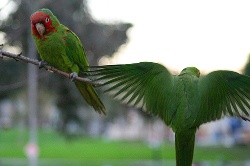

3、将图像按比例放大:
import cv2 img = cv2.imread("bird.jpg") height, width, channel = img.shape size_increase = (int(width*2), int(height*2)) img_increase = cv2.resize(img,size_increase,interpolation=cv2.INTER_CUBIC) cv2.imwrite("bird_increase.jpg",img_increase) 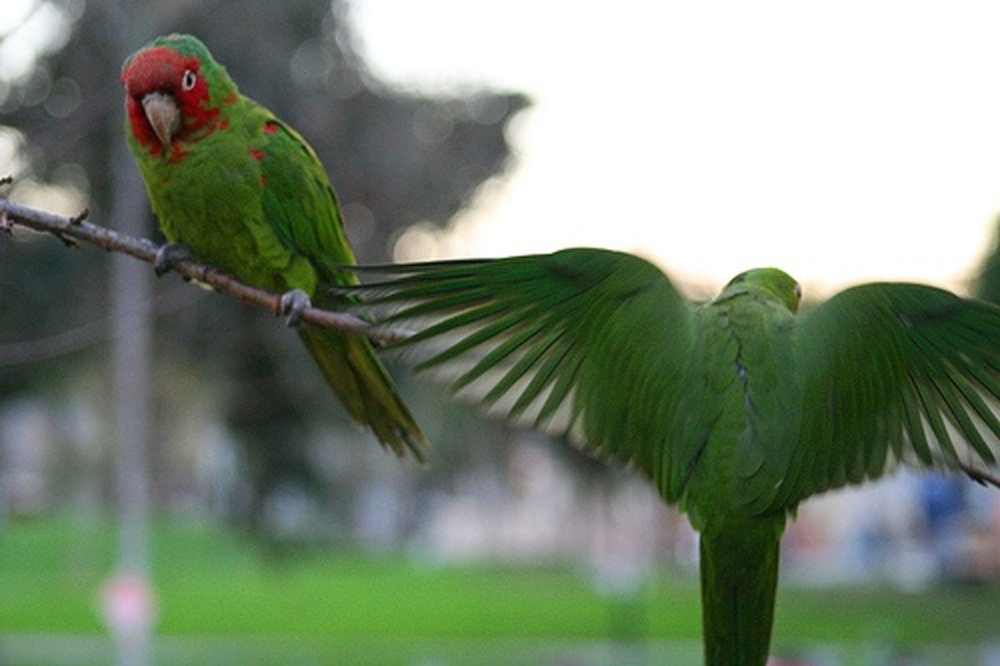
4、按照指定大小缩小:
img_required_dec = cv2.resize(img,(200,150),interpolation=cv2.INTER_CUBIC) cv2.imwrite("bird_required_dec.jpg", img_required_dec) 
5、按照指定大小放大:
img_required_inc = cv2.resize(img, (600,500),interpolation=cv2.INTER_CUBIC) cv2.imwrite("bird_required_inc.jpg", img_required_inc) 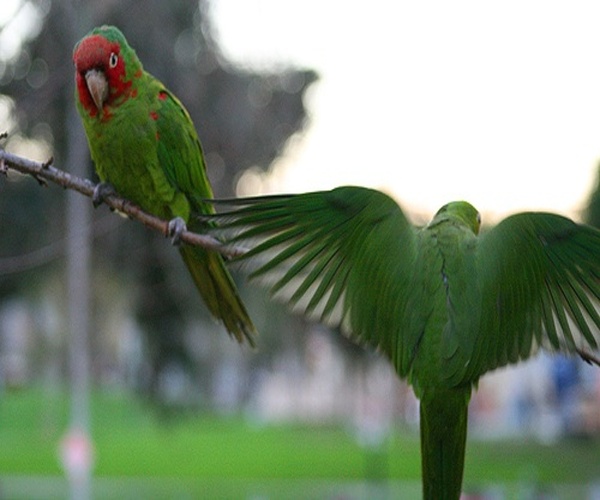
三、探究interpolation参数的不同形式对resize结果的影响:
1、INTER_NEAREST:
img_NEAREST = cv2.resize(img,(img.shape[1],img.shape[0]),interpolation=cv2.INTER_NEAREST) cv2.imwrite("bird_NEAREST.jpg", img_NEAREST) 2、INTER_LINEAR:
img_LINEAR = cv2.resize(img,(img.shape[1],img.shape[0]),interpolation=cv2.INTER_LINEAR) cv2.imwrite("bird_LINEAR.jpg", img_LINEAR) 3、INTER_AREA:
img_AREA = cv2.resize(img,(img.shape[1],img.shape[0]),interpolation=cv2.INTER_AREA) cv2.imwrite("bird_AREA.jpg", img_AREA) 4、INTER_CUBIC:
img_CUBIC = cv2.resize(img,(img.shape[1],img.shape[0]),interpolation=cv2.INTER_CUBIC) cv2.imwrite("bird_CUBIC.jpg", img_CUBIC) 5、INTER_LANCZOS4:
img_LANCZOS4 = cv2.resize(img,(img.shape[1],img.shape[0]),interpolation=cv2.INTER_LANCZOS4) cv2.imwrite("bird_LANCZOS4.jpg", img_LANCZOS4) 结论:肉眼看没有什么区别
三、opencv官方文档中对不同形式的interpolation进行解读:
1、INTER_NEAREST:
最近邻插值
2、INTER_LINEAR:
线性插值(默认使用)
3、INTER_AREA:
利用像素区域关系进行重新采样。因为它给出了moire’-free的结果,所以在图像抽取(decimation)中更偏向于使用它。但是在图像放大(zoomed)中,它和INTER_NEAREST方式比较相似。
4、INTER_CUBIC:
在4×4像素邻域中bicubic插值
5、INTER_LANCZOS4:
在8×8像素邻域中Lanczos插值
四、该函数使用的注意事项:
1、dsize的数据类型必须为Integer
2、.jpg格式的图像使用cv2的imread读取后,其shape形式为(height,width,channel)
3、cv2的resize函数使用的dsize其格式为(width,height),和读取格式相反
五、疑问:
1、在opencv官方文档中,cv.resize函数返回值为None。但是实际使用中,resize函数返回了改变大小后的图像。为什么会有这样的不同?(见更新)
2、cv.resize的参数为src,dst,dsize,fx,fy,interpolation,这些参数是可选的吗?比如,设定了fx和fy后就可以不必设定dsize吗?
3、各个插值方式的细节、使用场景以及为什么要选择该插值方式。
更新:
1、在Opencv官方文档中,给出了C、C++、Python三种语言的同一函数的不同形式。其中,Python给出了两种形式:
(1)cv.Resize:
Python: cv.Resize(src, dst, interpolation=CV_INTER_LINEAR) → None
该函数是被官方文档标注Legacy Python fuction,是opencv的遗留函数,已经不再使用了,其返回值为None
(2)cv2.resize:
Python: cv2.resize(src, dsize[, dst[, fx[, fy[, interpolation]]]]) → dst
是cv.Resize更新后的函数,返回值是dst,不是None
在opencv官方文档中,cv.Resize函数返回值为None;cv2.Resize函数返回值是dst。实际使用的是cv2.resize,该函数的返回值为resize后的图像。
2、opencv官方文档中的search很好用!(like
发布者:全栈程序员-站长,转载请注明出处:https://javaforall.net/206368.html原文链接:https://javaforall.net



