
1. 使用yum 安装
yum install glib2 glib2-devel GeoIP-devel ncurses-devel zlib zlib-develyum install gcc -yyum -y install GeoIP-updateyum install goaccess2.修改/etc/nginx/nginx.conf文件的日志存储格式
log_format main '$remote_addr $remote_user [$time_local] "$request" ' '$status $body_bytes_sent "$http_referer" ' '$http_user_agent $http_x_forwarded_for $request_time $upstream_response_time $upstream_addr $upstream_status';3.测试生成页面
#goaccess -f Nginx access.log目录 -c -a > nginx默认目录
goaccess -f /tmp/nginx/log/access.log -c -a > /tmp/nginx/html/go.html
#后台实时生成数据到goaccess页面
#goaccess -f Nginx access.log目录 -o > nginx默认目录 --real-time-html &
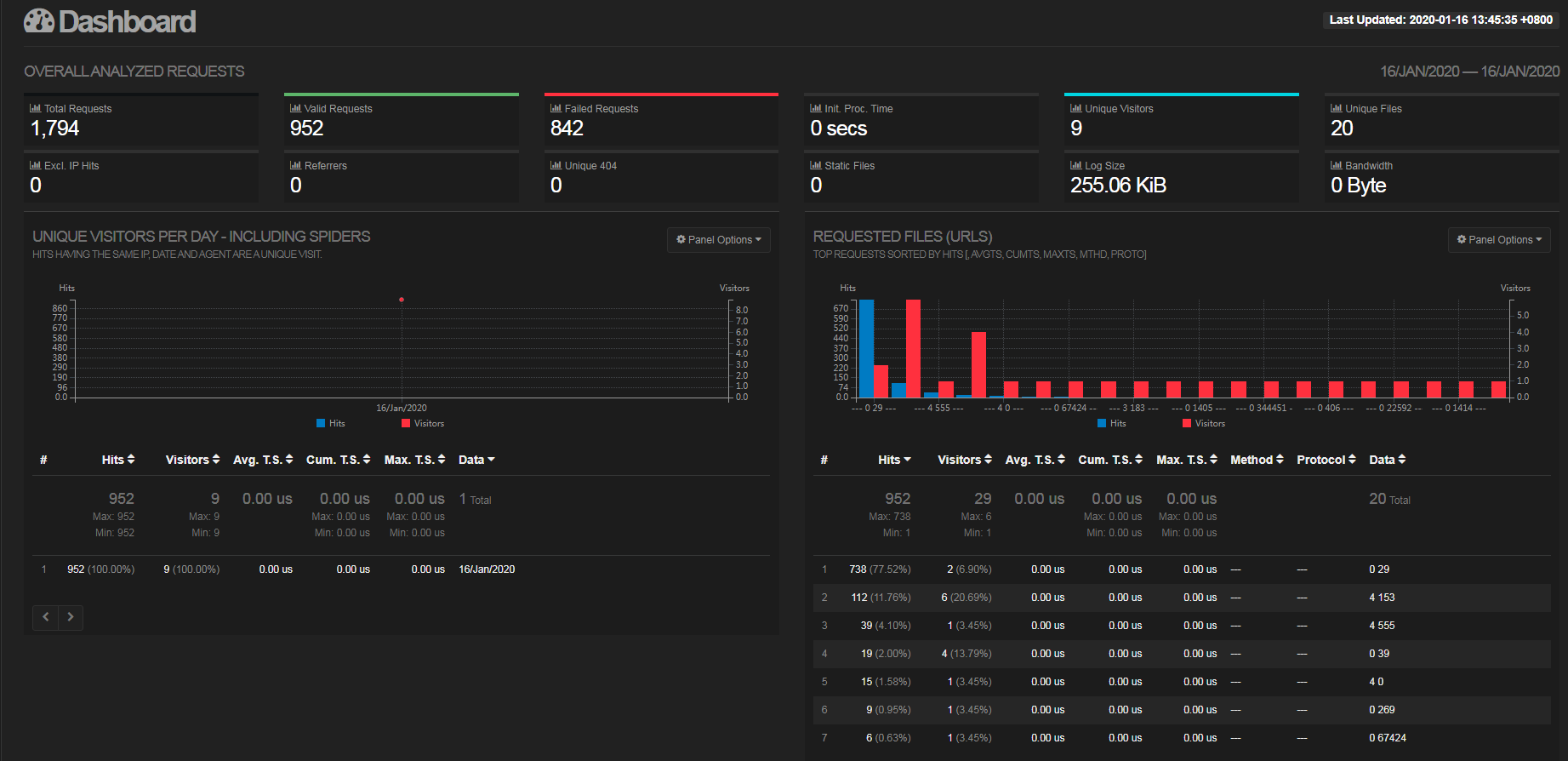
goaccess /tmp/nginx/log/access.log -o /tmp/nginx/html/go.html --real-time-html &4.访问界面

其他文章:
版权声明:本文内容由互联网用户自发贡献,该文观点仅代表作者本人。本站仅提供信息存储空间服务,不拥有所有权,不承担相关法律责任。如发现本站有涉嫌侵权/违法违规的内容, 请联系我们举报,一经查实,本站将立刻删除。
发布者:全栈程序员-站长,转载请注明出处:https://javaforall.net/214621.html原文链接:https://javaforall.net



