
/ 不同列表样式 /
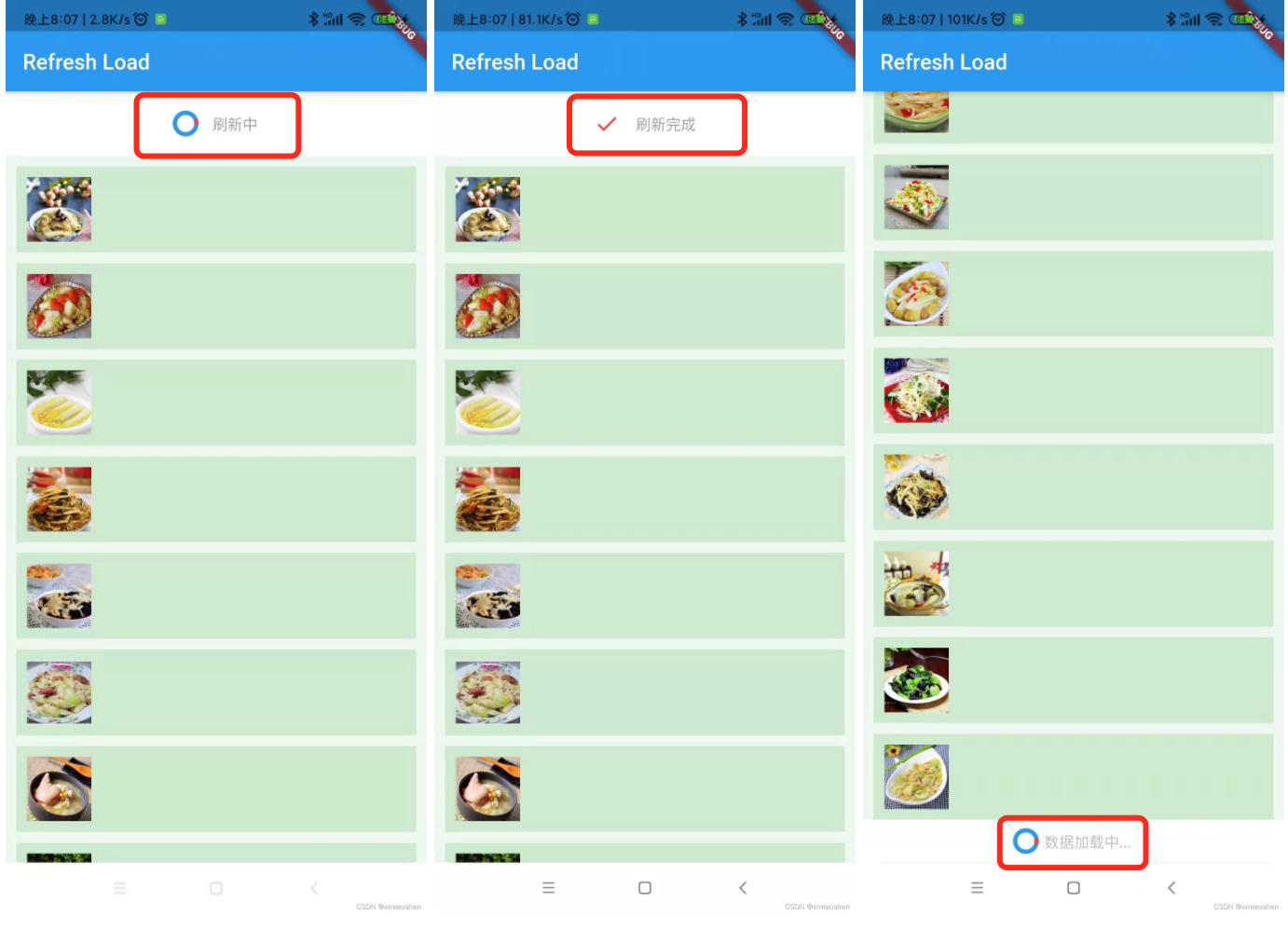

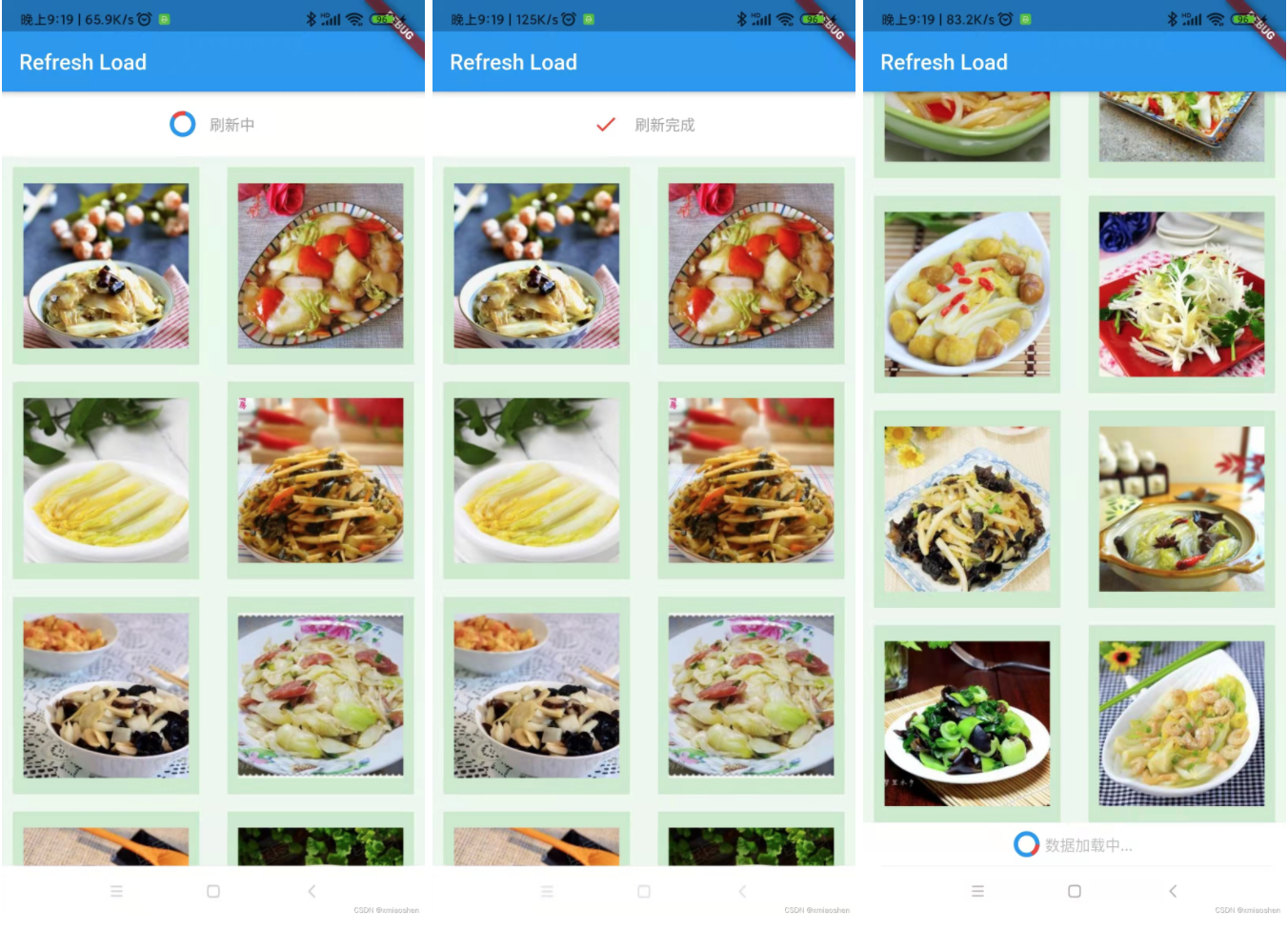
/ 自定义下拉刷新、上拉加载样式 /
作为一名Flutter开发者 , 在选择依赖库的时候 需要注意的几个点 :
. 依赖库的评分 pull_to_refresh
. 依赖库最后更新的时间
. 依赖库问题的反馈情况
. 依赖库的来源
pull_to_refresh


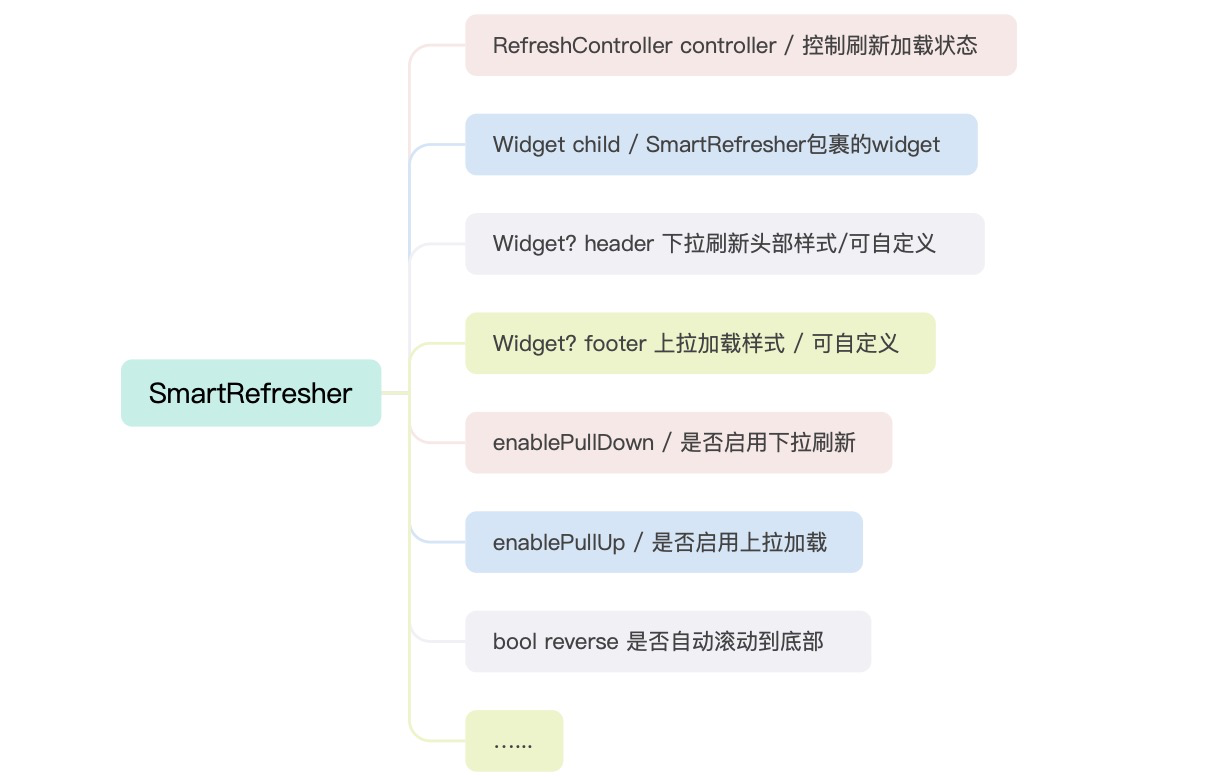
自定义下拉刷新头部样式
ClassicHeader classicHeader() { return ClassicHeader( releaseText: '松开手刷新', refreshingText: '刷新中', completeText: '刷新完成', failedText: '刷新失败', idleText: '下拉刷新', completeIcon: const Icon(Icons.done, color: Colors.red), idleIcon: const Icon(Icons.arrow_downward, color: Colors.red), releaseIcon: const Icon(Icons.refresh, color: Colors.red), failedIcon: const Icon(Icons.error, color: Colors.red), refreshingIcon: cirProInt(), ); }旋转动画
Container cirProInt() { return Container( child: CircularProgressIndicator( valueColor: AlwaysStoppedAnimation(Colors.red), strokeWidth: 4.0, backgroundColor: Colors.blue, ), width: 20.0, height: 20.0, ); }自定义上拉加载更多底部样式
. 简单定义
ClassicFooter classicFooter() { return ClassicFooter( height: 100.0, loadingText: '加载中...', noDataText: '暂无数据', failedText: '加载失败', idleText: '上拉加载', ); }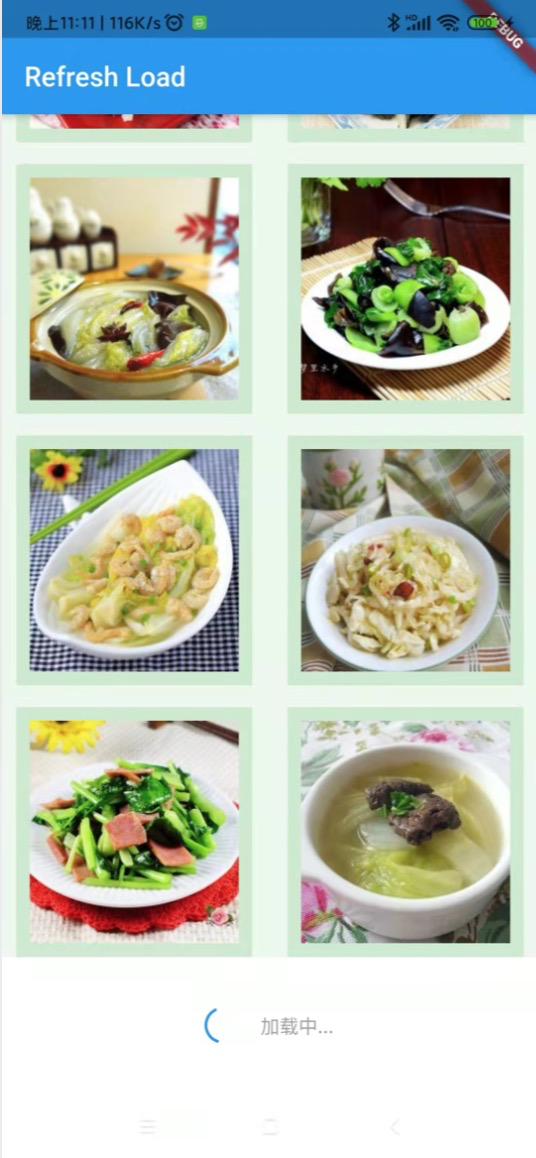
. 自定义上拉加载
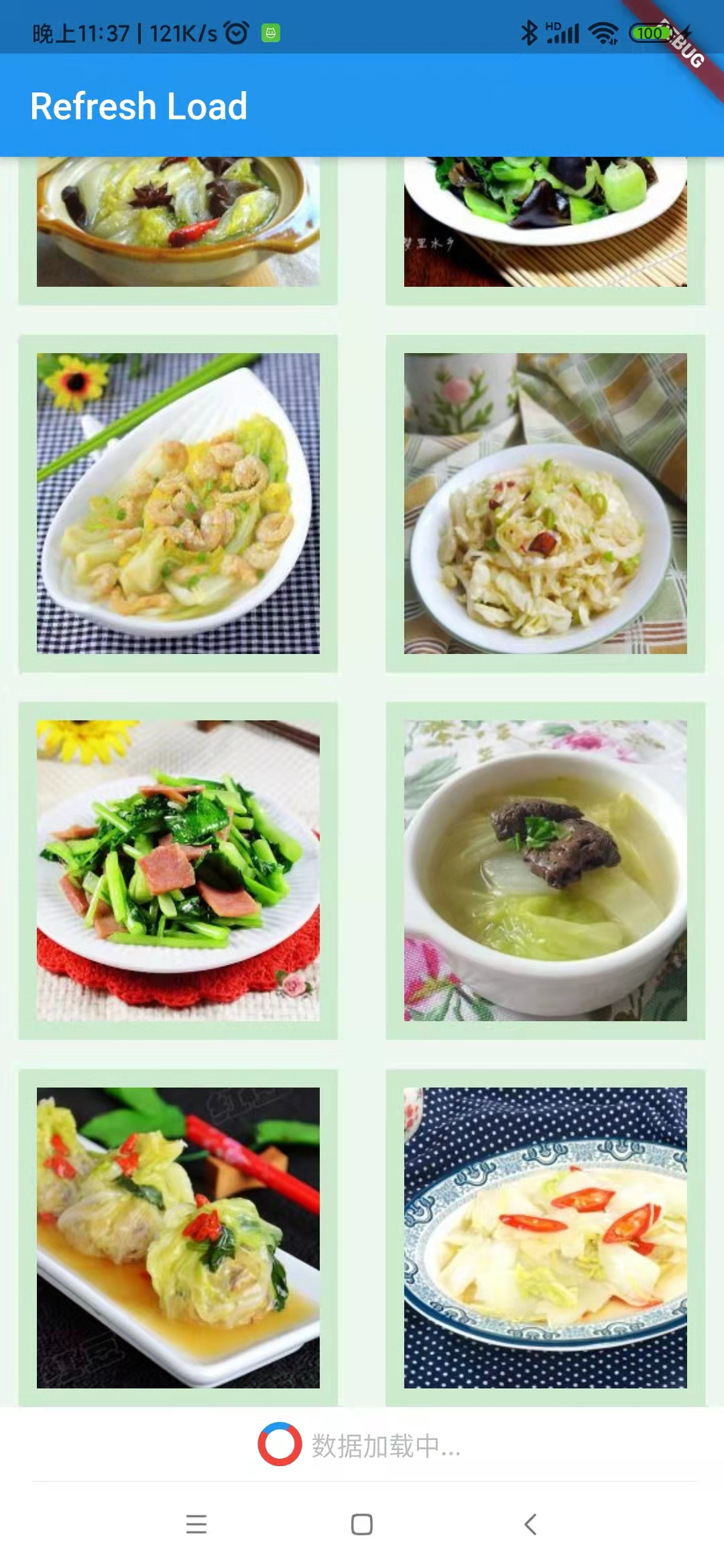
根据不同的加载状态显示不同的提示 ; 设置底部自定义视图点击可以加载更多数据 .
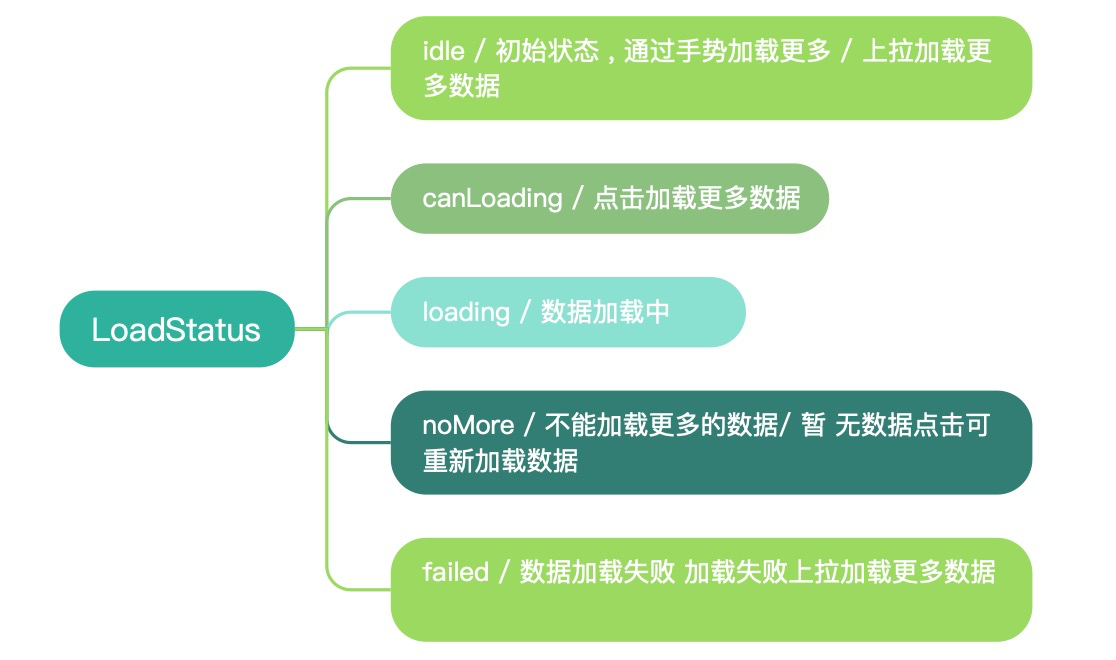
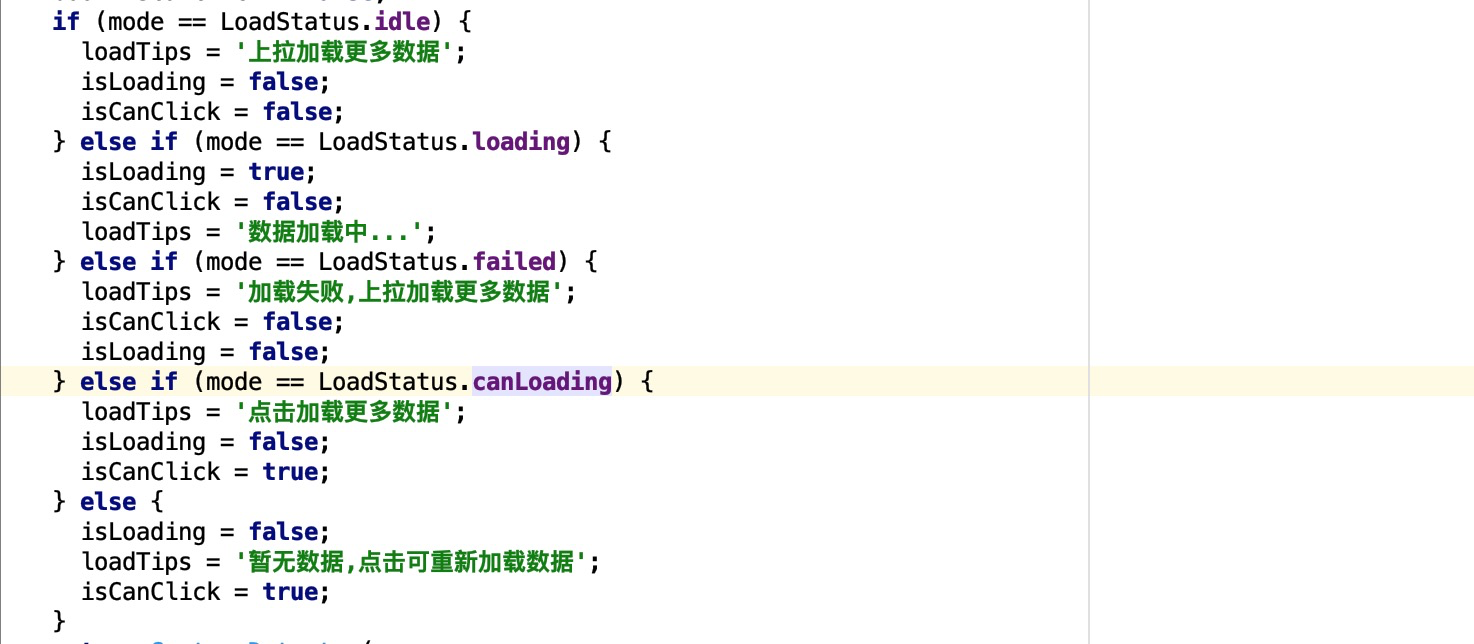
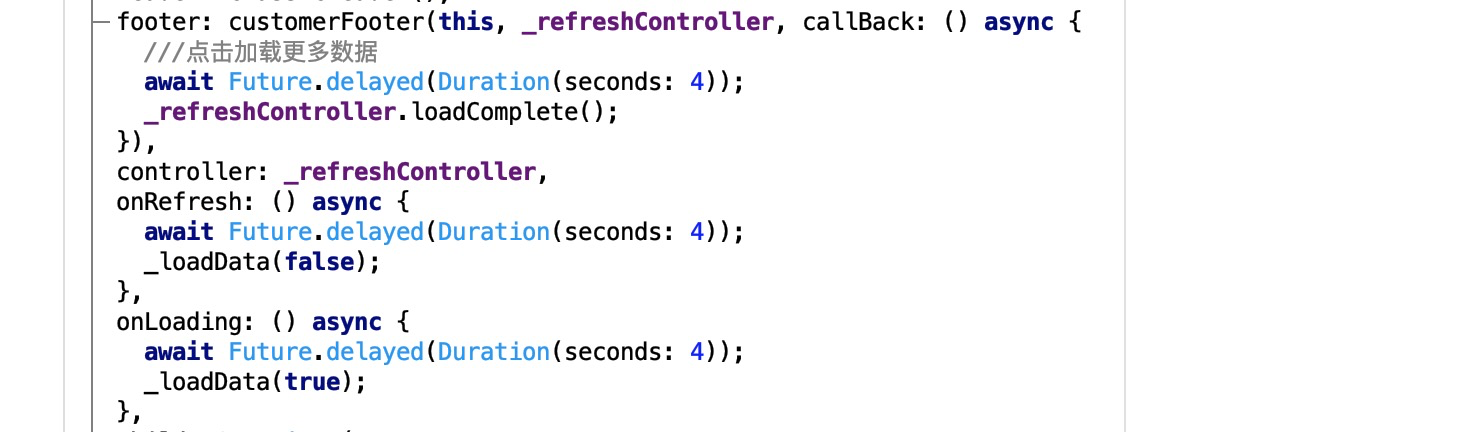
CustomFooter? customerFooter(State state, RefreshController controller, {ILoadDataCallBack? callBack}) { return CustomFooter( height: 40.0, builder: (BuildContext context, LoadStatus? mode) { ///上拉加载提示 String loadTips = ''; ///是否加载中 bool isLoading = false; ///是否可点击加载更多 bool isCanClick = false; if (mode == LoadStatus.idle) { loadTips = '上拉加载更多数据'; isLoading = false; isCanClick = false; } else if (mode == LoadStatus.loading) { isLoading = true; isCanClick = false; loadTips = '数据加载中...'; } else if (mode == LoadStatus.failed) { loadTips = '加载失败,上拉加载更多数据'; isCanClick = false; isLoading = false; } else if (mode == LoadStatus.canLoading) { loadTips = '点击加载更多数据'; isLoading = false; isCanClick = true; } else { isLoading = false; loadTips = '暂无数据,点击可重新加载数据'; isCanClick = true; } return GestureDetector( onTap: () { if (isCanClick) { controller.footerMode!.value = LoadStatus.canLoading; isLoading = true; print('上拉加载更多 $isCanClick'); } }, child: Container( height: 40.0, color: Colors.transparent, child: Center( child: isLoading ? Row( mainAxisAlignment: MainAxisAlignment.center, children: [ cirProInt(), Text( '\t\t$loadTips', style: TextStyle( color: Color(0xFFBDBDBD), fontSize: 14.0), ), ], ) : Text( '$loadTips', style: TextStyle(color: Color(0xFFBDBDBD), fontSize: 14.0), ), ), )); }, loadStyle: LoadStyle.ShowAlways, ); } ///加载更多数据 typedef void ILoadDataCallBack();. 使用自定义加载更多 customerFooter
/ 列表滚动是否可优化 /
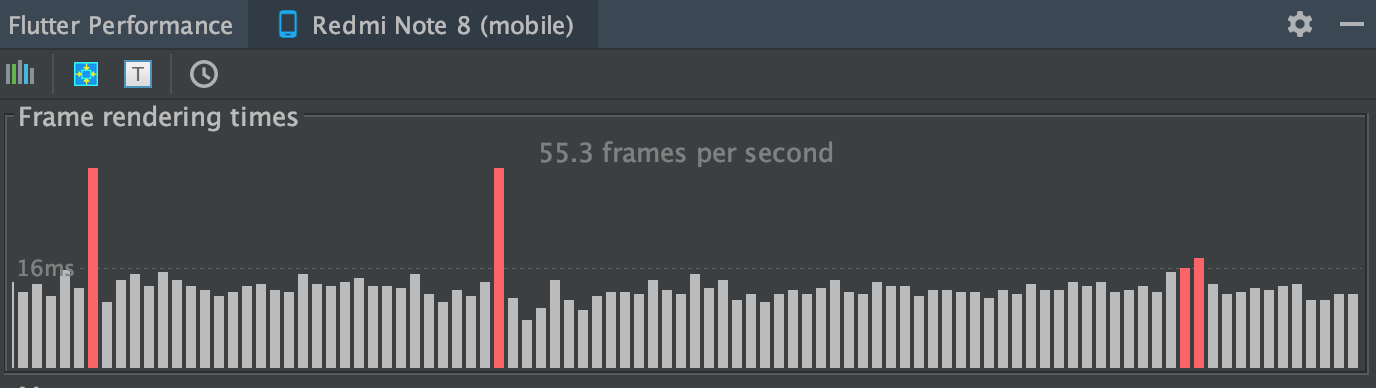
通过开发者工具 AS 查看 Frame rendering times (大概意思就是每秒视图渲染多少帧)
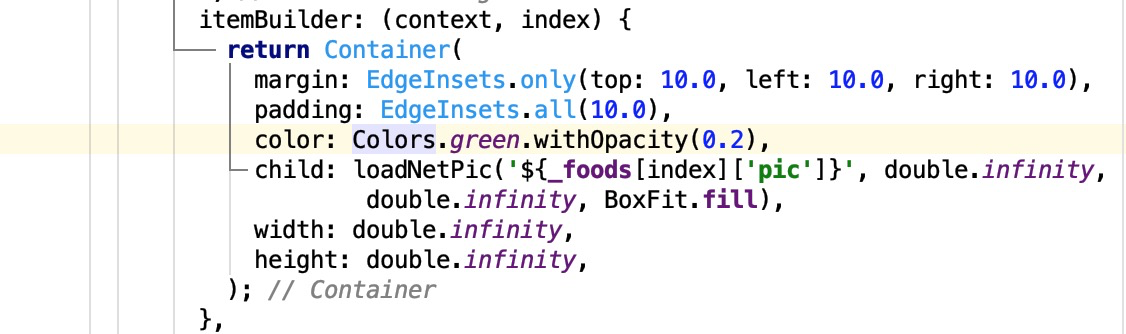
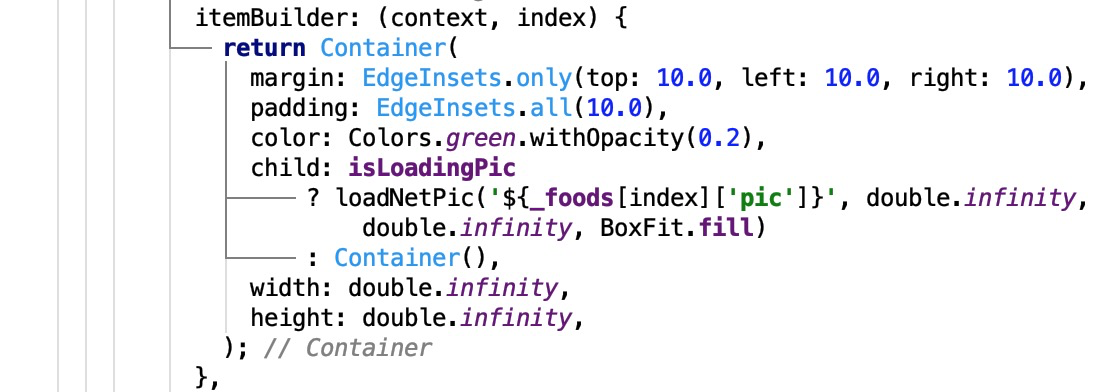
. 理想状态下每秒渲染的帧数是接近1秒钟60帧 ,下面的状态是比1秒钟60帧低了很多 . 列表滚动的过程中需要渲染的列表的每个视图 视图里面包含了一张图片 . 可以尝试不加载图片 , 观察一下每一秒绘制多少帧 .
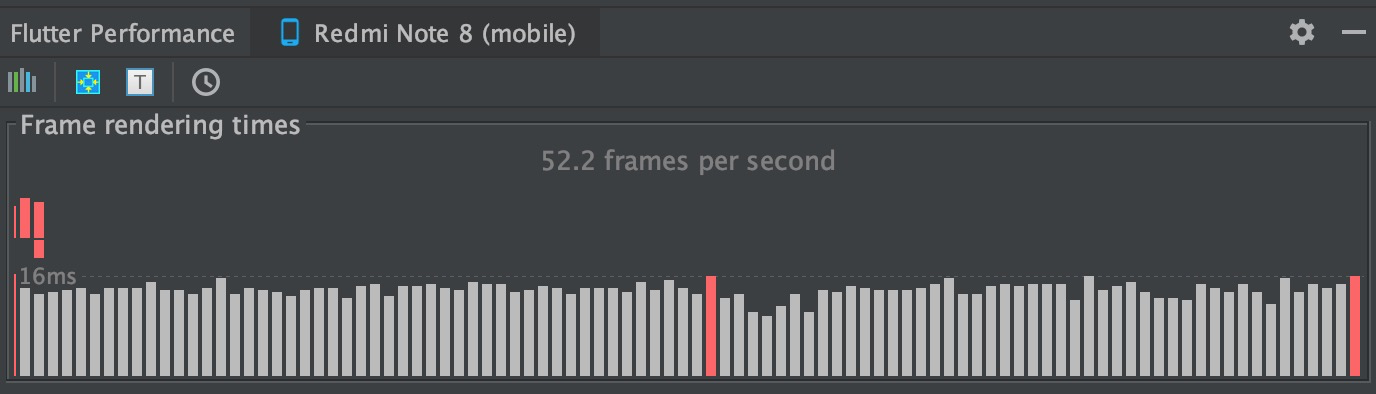
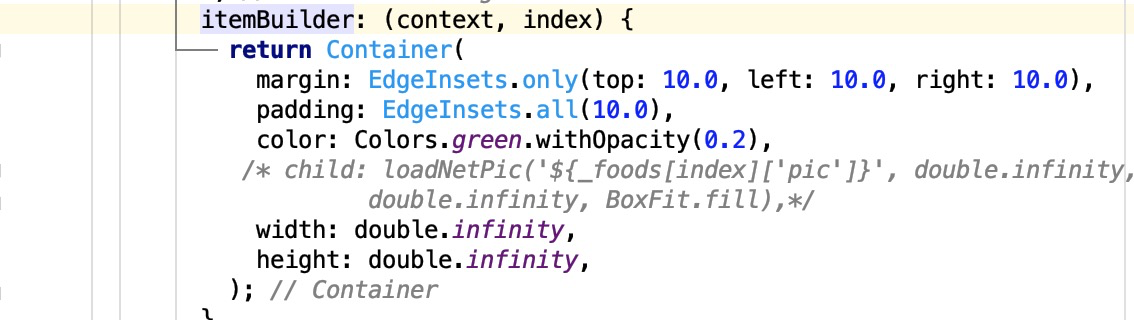
. 取消图片加载 ,观察列表滚动时 每秒钟渲染的帧数 , 有明显的上升趋势 . 所以为了进一步优化, 我们需要在滚动列表时 , 列表停止滚动加载视图 .

. 监听列表滚动状态 ( NotificationListener )
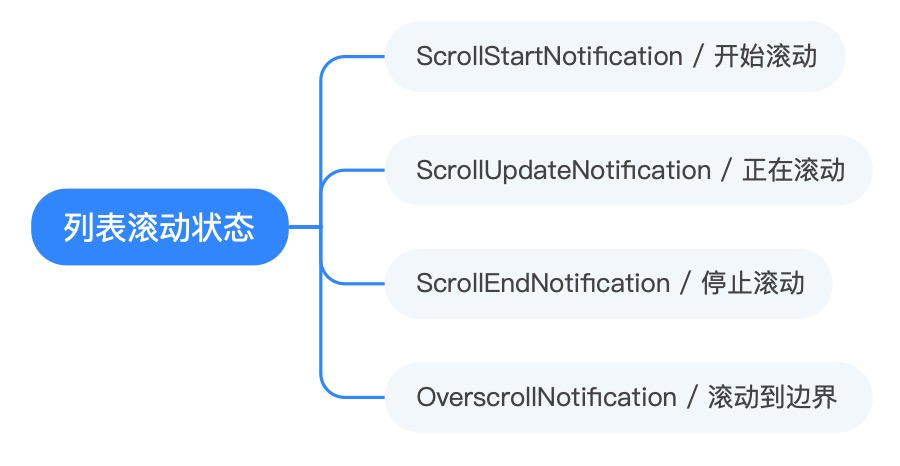
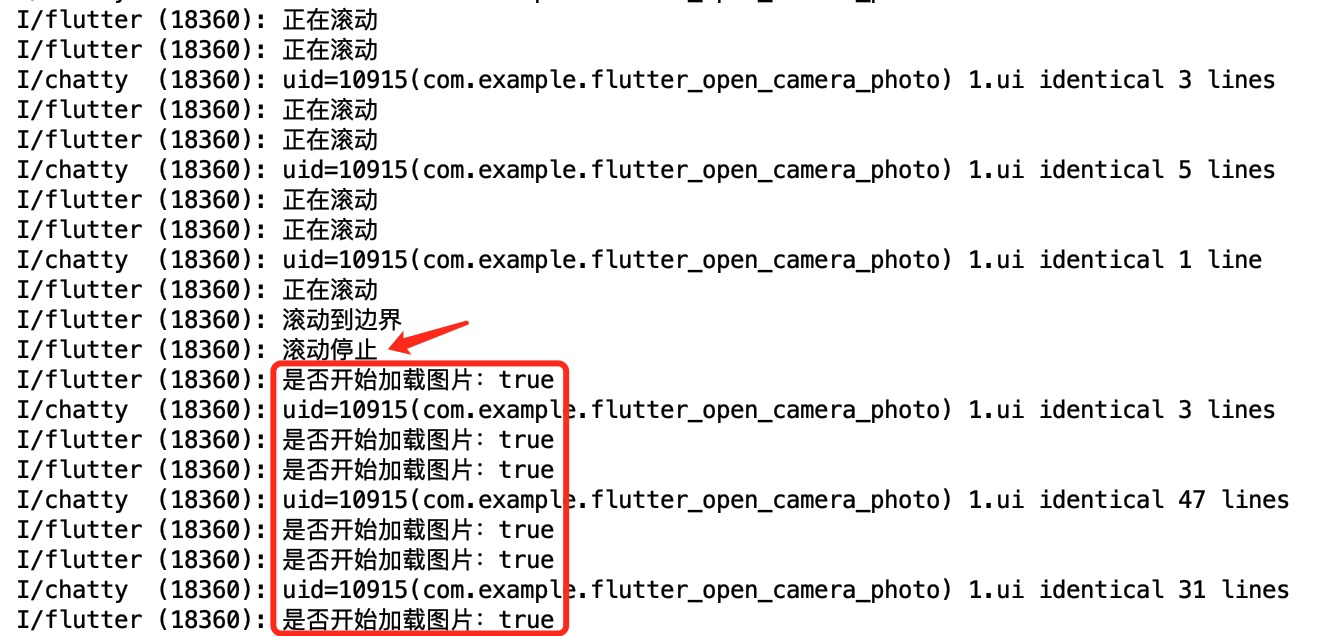
bool notificationFunction(Notification notification) { ///通知类型 switch (notification.runtimeType) { case ScrollStartNotification: print("开始滚动"); ///刷新页面 不加载图片 isLoadingPic = false; break; case ScrollUpdateNotification: print("正在滚动"); break; case ScrollEndNotification: print("滚动停止"); ///刷新页面 加载图片 setState(() { isLoadingPic = true; }); break; case OverscrollNotification: print("滚动到边界"); break; } return true; } . 列表滚动过程中不渲染图片到列表, 滚动完成渲染 并查看每秒绘制多少帧 到情况 .
免费接口 京东云
下拉刷新、上拉加载更多案例
版权声明:本文内容由互联网用户自发贡献,该文观点仅代表作者本人。本站仅提供信息存储空间服务,不拥有所有权,不承担相关法律责任。如发现本站有涉嫌侵权/违法违规的内容, 请联系我们举报,一经查实,本站将立刻删除。
发布者:全栈程序员-站长,转载请注明出处:https://javaforall.net/231428.html原文链接:https://javaforall.net


![显示搜索dota2协调服务器,老司机教你处理搜索dota2游戏协调服务器中【操作流程】…[通俗易懂]](https://javaforall.net/wp-content/uploads/2020/11/2020110817443450-480x300.jpg)

