
因为做程序图像剪切一直不太明白是怎么切片的,这里就用 cv2.rectangle 这个函数来看一下 opencv 是怎么计量图像的坐标轴的。
cv2.rectangle 这个函数的作用是在图像上绘制一个简单的矩形。
opencv 官网上给出的 cv2.rectangle 函数定义 如下:
Python: cv2.rectangle(img, pt1, pt2, color[, thickness[, lineType[, shift]]]) → None
- img – Image.
- pt1 – Vertex of the rectangle.
- pt2 – Vertex of the rectangle opposite to pt1 .
- color – Rectangle color or brightness (grayscale image).
- thickness – Thickness of lines that make up the rectangle. Negative values, like CV_FILLED , mean that the function has to draw a filled rectangle.
- lineType – Type of the line. See the line() description.
- 8 (or omitted) – 8-connected line.
- 4 – 4-connected line.
- CV_AA – antialiased line.
- shift – Number of fractional bits in the point coordinates.
这感觉说的不详细,不知道是不是我找的有问题。
图片
pt1 和 pt2 参数
我们可以看到这个图十分的规整,你把它下下来后就可以发现它是 1200×750 的。因此每一个人物的大小就是 240×375,我们就利用这个规整性来探究一下那两个参数是什么意思。
import cv2 img = cv2.imread(r"C:\Users\Administrator\Desktop\.png") print(img.shape) # 图片大小 cv2.rectangle(img, (240, 0), (480, 375), (0, 255, 0), 2) cv2.imshow("fff", img) 输出 (750, 1200, 3) 3 是指 3 通道,表示这个图片宽度是 1200 像素,高度是 750像素。
import cv2 cv2.rectangle(img, (x1, y1), (x2, y2), (255,0,0), 2) x1,y1 ------ | | | | | | --------x2,y2 我们就可以很容易的得出结论 cv2.rectangle 的 pt1 和 pt2 参数分别代表矩形的左上角和右下角两个点,而且 x 坐标轴是水平方向的,y 坐标轴是垂直方向的。
− − − − − − − − − − − − − − > x ————–>x −−−−−−−−−−−−−−>x
∣ | ∣
∣ x 1 , y 1 − − − − − − |\space \space x_1,y_1 —— ∣ x1,y1−−−−−−
∣ ∣ ∣ |\space \space |\space \space \space \space \space \space \space \space \space \space \space \space \space \space \space \space \space \space \space \space \space \space \space \space \space \space \space \space \space \space \space \space \space | ∣ ∣ ∣
∣ ∣ ∣ |\space \space |\space \space \space \space \space \space \space \space \space \space \space \space \space \space \space \space \space \space \space \space \space \space \space \space \space \space \space \space \space \space \space \space \space | ∣ ∣ ∣
∣ ∣ ∣ |\space \space |\space \space \space \space \space \space \space \space \space \space \space \space \space \space \space \space \space \space \space \space \space \space \space \space \space \space \space \space \space \space \space \space \space | ∣ ∣ ∣
∣ ∣ − − − − − − − − x 2 , y 2 |\space \space | ——–x_2,y_2 ∣ ∣−−−−−−−−x2,y2
∣ | ∣
∨ \vee ∨
y y y
color 参数
color 参数一般用 RGB 值指定,表示矩形边框的颜色。RGB 对应的颜色可以使用 https://www.sioe.cn/yingyong/yanse-rgb-16/ 查看。
import cv2 img = cv2.imread(r"C:\Users\Administrator\Desktop\.png") print(img.shape) cv2.rectangle(img, (240, 0), (480, 375), (0, 0, 255), 2) cv2.imshow("fff", img) 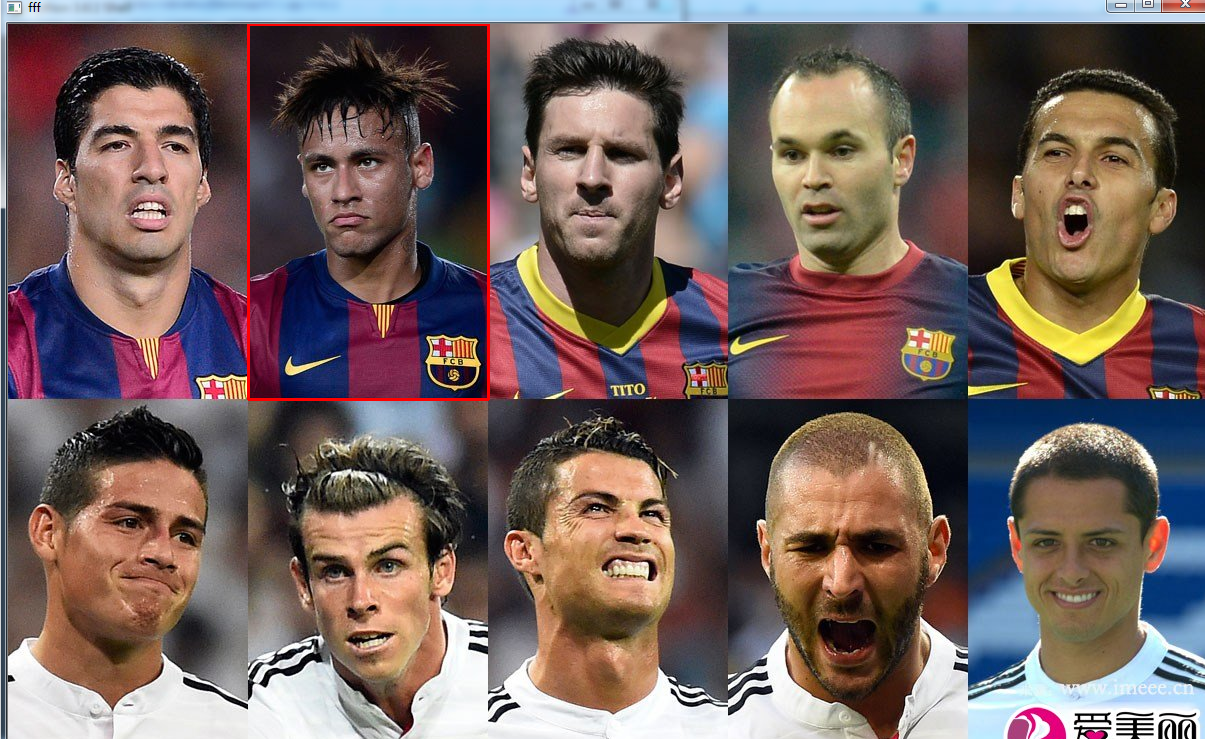

需要注意的是这里的 (0, 0, 255) 三个分别对应 B G R。(不太懂为什么)
thickness 参数
thickness 参数表示矩形边框的厚度,如果为负值,如 CV_FILLED,则表示填充整个矩形。
import cv2 img = cv2.imread(r"C:\Users\Administrator\Desktop\.png") print(img.shape) cv2.rectangle(img, (240, 0), (480, 375), (0, 255, 0), -1) cv2.imshow("fff", img) 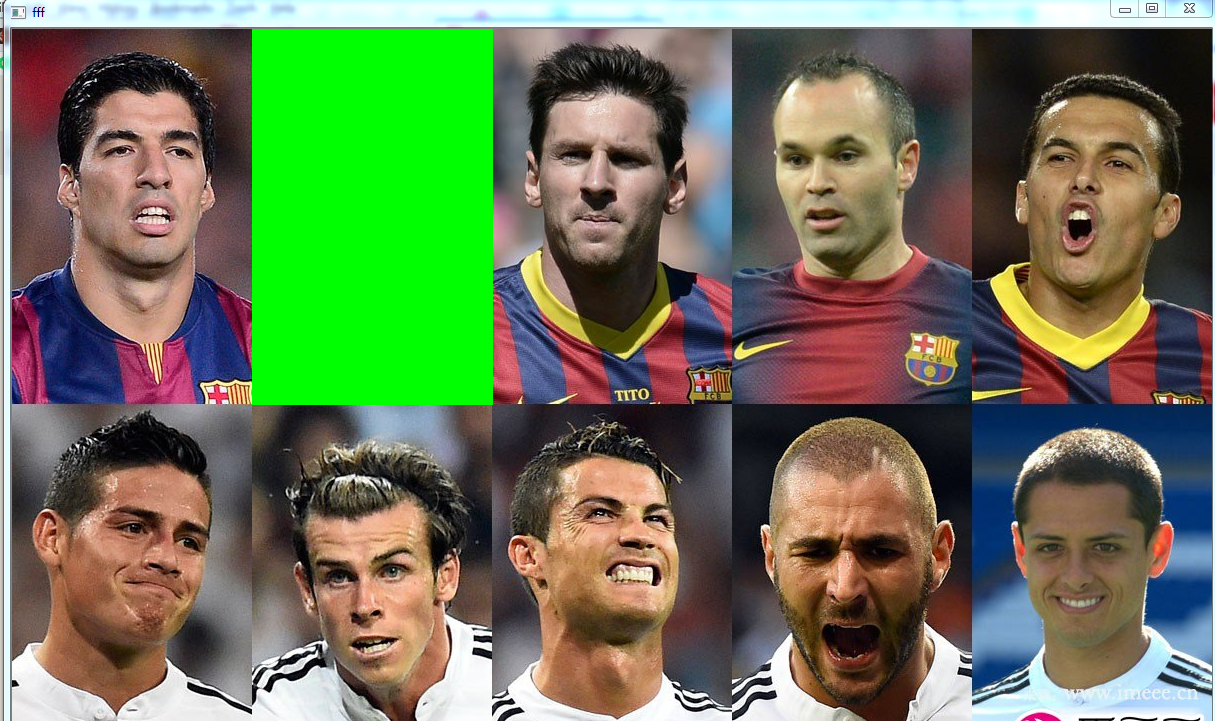
import cv2 img = cv2.imread(r"C:\Users\Administrator\Desktop\.png") print(img.shape) cv2.rectangle(img, (240, 0), (480, 375), (0, 255, 0), 10) cv2.imshow("fff", img) 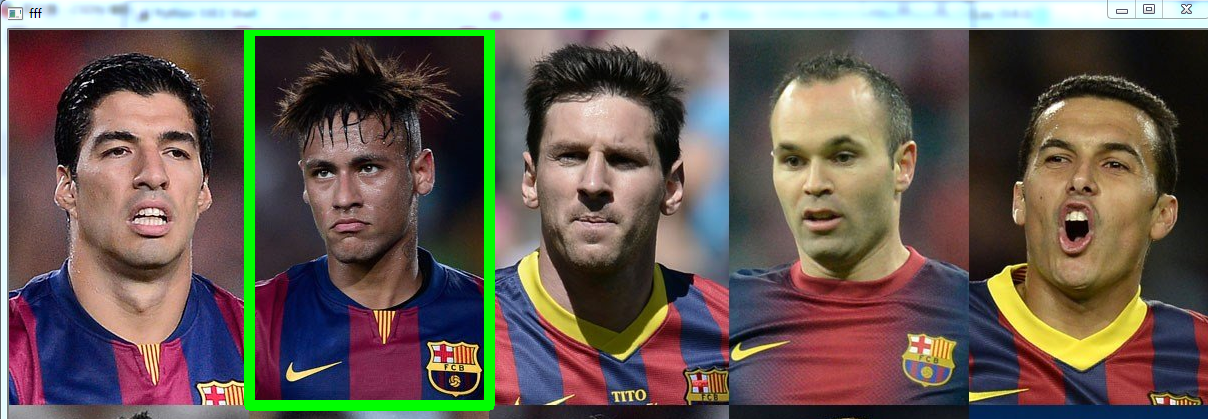
lineType 参数
line() function 中有这样一段说明:
The function line draws the line segment between pt1 and pt2 points in the image. The line is clipped by the image boundaries. For non-antialiased lines with integer coordinates, the 8-connected or 4-connected Bresenham algorithm is used. Thick lines are drawn with rounding endings. Antialiased lines are drawn using Gaussian filtering. To specify the line color, you may use the macro CV_RGB(r, g, b)
这个参数看上去是指定 Bresenham 算法是 4 连通的还是 8 连通的,涉及到了计算机图形学的知识。如果指定为 CV_AA,则是使用高斯滤波器画反锯齿线。
shift 参数
shift 参数表示点坐标中的小数位数,但是我感觉这个参数是在将坐标右移 shift 位一样。shift 为 1 就相当于坐标全部除以 2 1 2^1 21,shift 为 2 就相当于坐标全部除以 2 2 2^2 22
import cv2 img = cv2.imread(r"C:\Users\Administrator\Desktop\.png") print(img.shape) cv2.rectangle(img, (240*2*2, 0), (480*2*2, 375*2*2), (0, 255, 0), 2, shift=2) cv2.imshow("fff", img) 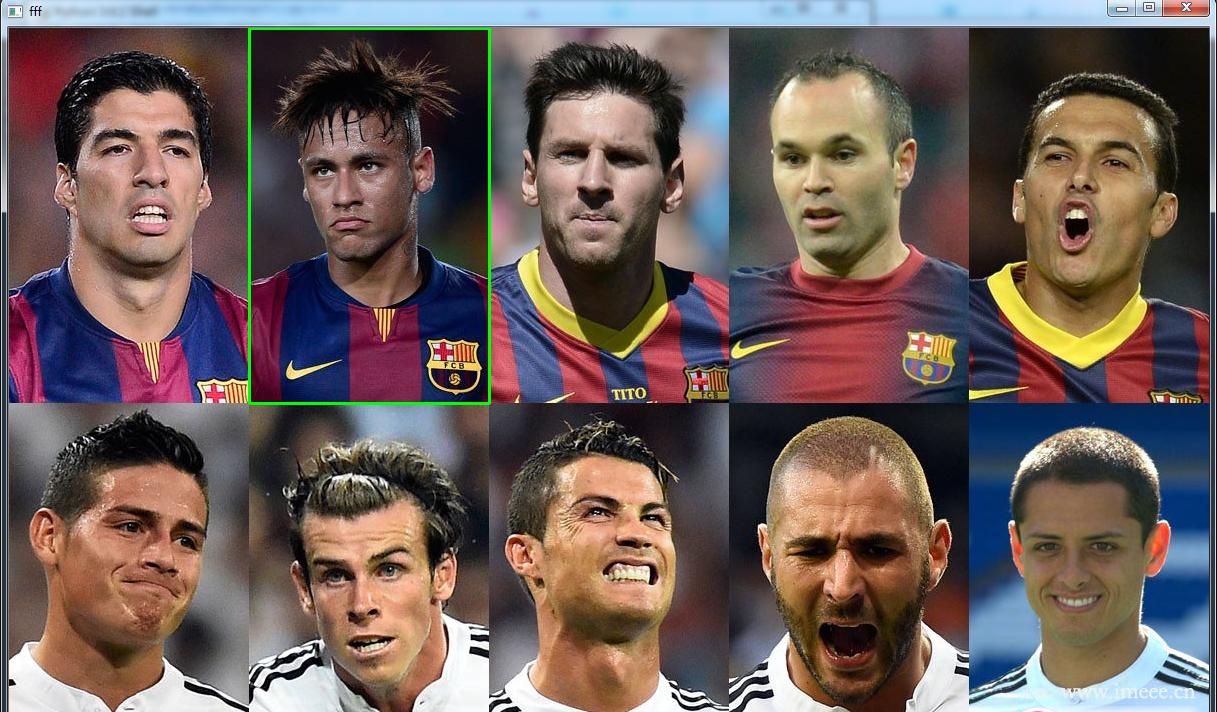
发布者:全栈程序员-站长,转载请注明出处:https://javaforall.net/221556.html原文链接:https://javaforall.net




