
大家好,又见面了,我是你们的朋友全栈君。
OpenGrok是专门的源码阅读工具在针对特大型源码时,比如 AOSP 和 Chromium,就需要祭出专门的源码阅读工具。 OpenGrok 属于另一类,免费,开源,运行流畅,功能也毫不逊色,该工具环境搭建和使用感觉很简单,但最近搭建的过程中遇到各种问题,直到怀疑人生,经历各种磨难最后终于可以到流程使用的程度,特此记录一方面为自己备忘,另一方面希望可以给需要搭建环境的人一些帮助,快速完成,避免重复采坑。
Requirements: https://github.com/oracle/opengrok/wiki/How-to-setup-OpenGrok
1. JDK 1.8 or higher
2. OpenGrok ”’binaries”’ from https://github.com/OpenGrok/OpenGrok/releases
3. A servlet container like GlassFish or Tomcat 8.0 or later also running with Java at least 1.8
4. a recent browser for clients – IE, Firefox, recent Chrome or Safari
5. Optional tuning (see https://github.com/oracle/opengrok/wiki/Tuning-for-large-code-bases)
平台配置
Linux系统版本:
$ uname -a
Linux mychain-xiaotian-01.inc.net 3.10.0-327.ali2010.rc7.alios7.x86_64 #1 SMP Thu Jun 29 21:45:21 CST 2017 x86_64 x86_64 x86_64 GNU/Linux
ctags版本:
$ ctags --version
Exuberant Ctags 5.8, Copyright (C) 1996-2009 Darren Hiebert
  Compiled: Jun  9 2015, 21:42:14
  Addresses: <dhiebert@users.sourceforge.net>, http://ctags.sourceforge.net
  Optional compiled features: +wildcards, +regex
1. Java环境配置
1.通过 sudo yum install java 或者 sudo apt-get install java安装java 1.8.x版本(已有java1.8版本可跳过该步骤)
2. 查看设备Java版本号,确保$ java -version 为 java version “1.8.x”及以上版本
3. 在 .bash_prifile中配置JAVA_HOM为安装目录
########--java environment setting--#######
 export JAVA_HOME="/opt/yaozhongxiao/java"
2. Tomcat环境配置
- 从 https://tomcat.apache.org/download-90.cgi 下载tomcat9.0版至/opt/yaozhongxiao/apache-tomcat-9.0.10.tar.gz
- 解压至/opt/yaozhongxiao/apache-tomcat-9.0.10
- 为Tomcat 设置CATALINA_HOME环境变量
########--java environment setting--#######
export CATALINA_HOME="/opt/yaozhongxiao/apache-tomcat-9.0.10"- 为Tomcat 设置CATALINA_HOME环境变量
- 启动(关闭)tomcat
bash /opt/yaozhongxiao/apache-tomcat-9.0.10/bin/startup.sh
Using CATALINA_BASE:   /opt/yaozhongxiao/apache-tomcat-9.0.10
Using CATALINA_HOME:   /opt/yaozhongxiao/apache-tomcat-9.0.10
Using CATALINA_TMPDIR: /opt/yaozhongxiao/apache-tomcat-9.0.10/temp
Using JRE_HOME:        /opt/yaozhongxiao/java
Using CLASSPATH:       /opt/yaozhongxiao/apache-tomcat-9.0.10/bin/bootstrap.jar:/opt/yaozhongxiao/apache-tomcat-9.0.10/bin/tomcat-juli.jar
Tomcat started.
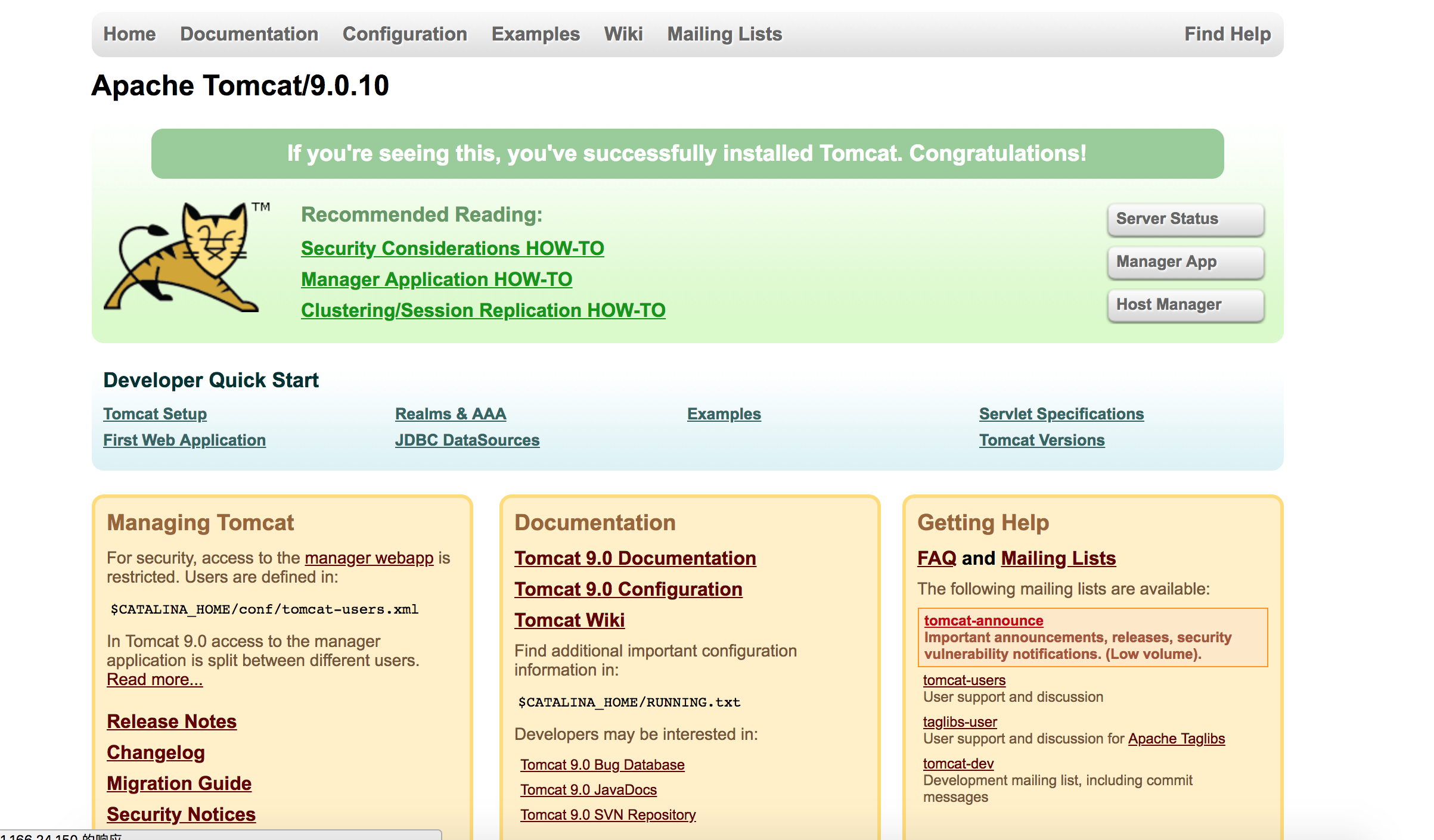
在浏览器中输入 http://11.166.24.150:8080/检查tomcat是否正常启动

* (如果报404错误,可能是端口被禁止,可以通过iptables命令检查和开放端口访问)
3. OpenGrok搭建
OpenGrok目前的版本不断演进:https://github.com/oracle/opengrok/releases
但是强烈建议不要采用最新版本(根据实测发现虽然可以完成OpenGrok环境的搭建,但极大可能发生无法为代码建立索引的情况,该问题排查数天无果,转而基于低版本搭建成功)
如下版本存在各自的问题
(1). https://github.com/oracle/opengrok/releases/tag/1.1-rc38 无法完成代码的符号解析
(2). https://github.com/oracle/opengrok/releases/tag/0.12.1.5
(3). https://github.com/oracle/opengrok/releases/tag/0.13-rc10
- 从 https://github.com/oracle/opengrok/releases/tag/0.12.1.5 下载并解压至 /opt/yaozhongxiao/opengrok-0.12.1.5
- 为OpenGrok配置环境
export OPENGROK_PATH="/opt/yaozhongxiao/opengrok-0.12.1.5"- 按照如下命令创建索引
(特别需要注意的是,默认的tomcat中webapp-context为”source”, -w opengrok无法修改默认的webapp-context 为 opengrok;而是必须包含export OPENGROK_WEBAPP_CONTEXT=opengrok,其中opengrok可以的部署在${OPENGROK_TOMCAT_BASE}/webapps/webapp-context中webapp-context的名字)
  #****************************************************************#
  3 # ScriptName: opengrok_indexing.sh
  4 # Author: zhongxiao.yzx
  5 # Create Date: 2018-08-22
  6 #***************************************************************#
  7
  8 opengrok_path="/opt/yaozhongxiao/opengrok-0.13-rc10"
  9 source_root="${opengrok_path}/source/mychain"
 10 indexing_root="${opengrok_path}/source/indexing"
 11
 12 # indexing for the source code
 13 # 1. remove the old indexing if exist
 14 if [ -d ${indexing_root}/ ];then
 15     rm -rf ${indexing_root}/
 16 fi
 17 mkdir -p ${indexing_root}
 18
 19 # 2. export the OpenGrok environment variables
 20 export OPENGROK_TOMCAT_BASE=/opt/yaozhongxiao/apache-tomcat-9.0.10
 21 export OPENGROK_INSTANCE_BASE=opengrok
 22
 23 export JAVA_OPTS="-Xmx1024m"
 24 # java -jar ${opengrok_path}/lib/opengrok.jar for command help
 25 java $JAVA_OPTS -jar ${opengrok_path}/lib/opengrok.jar -P -S -v \
 26 -s ${source_root} \
 27 -d ${indexing_root} \
 28 -W ${indexing_root}/configuration.xml \
29 -w opengrok # webapp-context ${OPENGROK_TOMCAT_BASE}/webapps/webapp-context - 将OpenGrok部署至Tomacat
(1). 将opengrok应用部署至tomcat容器
拷贝/opt/yaozhongxiao/opengrok-0.12.1.5/lib/source.war至/opt/yaozhongxiao/apache-tomcat-9.0.10/webapps/目录下,webapps/source.war会自动解压为webapps/source,该source名即为web访问的应用名,可以将source修改为自定义的名字,如mychain变成/opt/yaozhongxiao/apache-tomcat-9.0.10/webapps/mychain;
(2). 将mychain应用定向为opengrok生成的索引应用
修改/opt/yaozhongxiao/apache-tomcat-9.0.10/webapps/mychain/WEB-INF/web.xml文件,将CONFIGURATION设置为实际的configuration.xml文件路径
  4   <display-name>OpenGrok</display-name>
  5   <description>A wicked fast source browser</description>
  6   <context-param>
  7     <param-name>CONFIGURATION</param-name>
  8     <param-value>/opt/yaozhongxiao/opengrok-0.12.1.5/source/indexing/configuration.xml</param-value>
  9     <description>Full path to the configuration file where OpenGrok can read it's configuration</description>
10 </context-param> - 启动tomcat,在线代码浏览
bash /opt/yaozhongxiao/apache-tomcat-9.0.10/bin/startup.sh
Using CATALINA_BASE:   /opt/yaozhongxiao/apache-tomcat-9.0.10
Using CATALINA_HOME:   /opt/yaozhongxiao/apache-tomcat-9.0.10
Using CATALINA_TMPDIR: /opt/yaozhongxiao/apache-tomcat-9.0.10/temp
Using JRE_HOME:        /opt/yaozhongxiao/java
Using CLASSPATH:       /opt/yaozhongxiao/apache-tomcat-9.0.10/bin/bootstrap.jar:/opt/yaozhongxiao/apache-tomcat-9.0.10/bin/tomcat-juli.jar
Tomcat started.
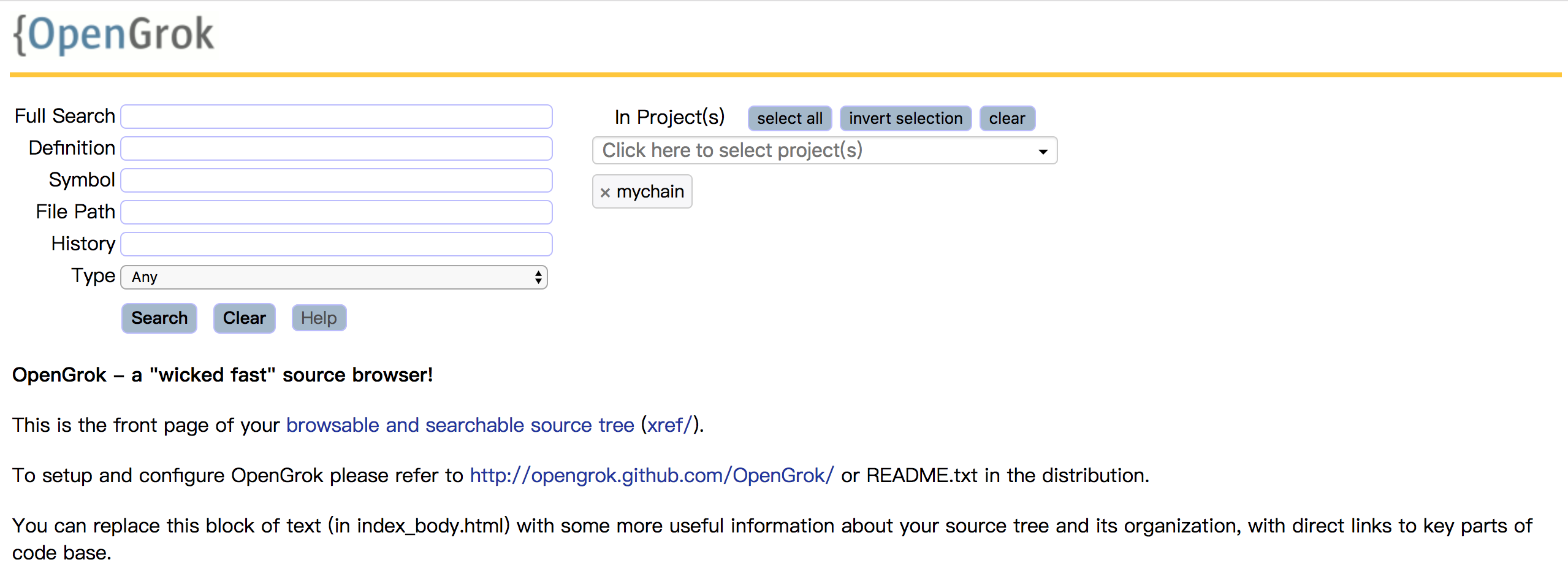
在浏览器中输入 http://11.166.24.150:8080/mychain 进行在线代码搜索,浏览
opengrok-0.13-rc10
OpenGrok工具最终调用opengrok.jar,具体的使用方式可以通过opengrok.jar获取帮助
$ java -jar /opt/yaozhongxiao/opengrok-0.13-rc10/lib/opengrok.jar
Usage: opengrok.jar [options] [subDir1 ..]
-?
        Help
-A .ext|prefix.:analyzer
        Files with the named prefix/extension should be analyzed with the specified class
-a on/off
        Allow or disallow leading wildcards in a search
-B url
        Base URL of the user Information provider. Default: "http://www.myserver.org/viewProfile.jspa?username="
-C
        Print per project percentage progress information(I/O extensive, since one read through dir structure is made before indexing, needs -v, otherwise it just goes to the log)
-c /path/to/ctags
        Path to Exuberant Ctags from http://ctags.sf.net by default takes the Exuberant Ctags in PATH.
-D
        Store history cache in a database (needs the JDBC driver in the classpath, typically derbyclient.jar or derby.jar)
-d /path/to/data/root
        The directory where OpenGrok stores the generated data
-e
        Economical - consumes less disk space. It does not generate hyper text cross reference files offline, but will do so on demand - which could be sightly slow.
-G
        Assign commit tags to all entries in history for all repositories.
-H
        Generate history cache for all repositories
-h /path/to/repository
        just generate history cache for the specified repos (absolute path from source root)
-I pattern
        Only files matching this pattern will be examined (supports wildcards, example: -I *.java -I *.c)
-i pattern
        Ignore the named files (prefix with 'f:') or directories (prefix with 'd:') (supports wildcards, example: -i *.so -i *.dll)
-j class
        Name of the JDBC driver class used by the history cache. Can use one of the shorthands "client" (org.apache.derby.jdbc.ClientDriver) or "embedded" (org.apache.derby.jdbc.EmbeddedDriver). Default: "client"
-k /path/to/repository
        Kill the history cache for the given repository and exit. Use '*' to delete the cache for all repositories.
-K
        List all repository pathes and exit.
-L path
        Path to the subdirectory in the web-application containing the requested stylesheet. The following factory-defaults exist: "default", "offwhite" and "polished"
-l on/off
        Turn on/off locking of the Lucene database during index generation
-m number
        Amount of memory that may be used for buffering added documents and deletions before they are flushed to the Directory(default 16.0MB). Please increase JVM heap accordingly, too.
-N /path/to/symlink
        Allow this symlink to be followed. Option may be repeated. By default only symlinks directly under source root directory are allowed.
-n
        Do not generate indexes, but process all other command line options
-O on/off
        Turn on/off the optimization of the index database as part of the indexing step
-o path
        File with extra command line options for ctags
-P
        Generate a project for each of the top-level directories in source root
-p /path/to/default/project
        This is the path to the project that should be selected by default in the web application(when no other project set either in cookie or in parameter). You should strip off the source root.
-Q on/off
        Turn on/off quick context scan. By default only the first 1024k of a file is scanned, and a '[..all..]' link is inserted if the file is bigger. Activating this may slow the server down (Note: this is setting only affects the web application)
-q
        Run as quietly as possible
-R /path/to/configuration
        Read configuration from the specified file
-r on/off
        Turn on/off support for remote SCM systems
-S
        Search for "external" source repositories and add them
-s /path/to/source/root
        The root directory of the source tree
-T number
        The number of threads to use for index generation. By default the number of threads will be set to the number of available CPUs
-t number
        Default tabsize to use (number of spaces per tab character)
-U host:port
        Send the current configuration to the specified address (This is most likely the web-app configured with ConfigAddress)
-u url
        URL to the database that contains the history cache. Default: If -j specifies "embedded", "jdbc:derby:$DATA_ROOT/cachedb;create=true"; otherwise, "jdbc:derby://localhost/cachedb;create=true"
-V
        Print version and quit
-v
        Print progress information as we go along
-W /path/to/configuration
        Write the current configuration to the specified file (so that the web application can use the same configuration
-w webapp-context
        Context of webapp. Default is /source. If you specify a different name, make sure to rename source.war to that name. Also FULL reindex is needed if this is changed.
-X url:suffix
        URL Suffix for the user Information provider. Default: ""
-z number
        depth of scanning for repositories in directory structure relative to source root. Default is 3 .
自动化搭建和部署
以及搭建过程,构建了自动化环境搭建,源码索引,发布使用的自动化工具。
这里不再详述,请移步github地址:
https://github.com/yaozhongxiao/dev-tools/blob/master/opengrok/README.md
参考
[0]. opengrok安装使用指南: https://ox0spy.github.io/post/install/setup-opengrok/
[1] OpenGrok-a wicked fast source browser : https://github.com/oracle/opengrok#5-contact-us
[2] How to setup OpenGrok : https://github.com/oracle/opengrok/wiki/How-to-setup-OpenGrok
发布者:全栈程序员-站长,转载请注明出处:https://javaforall.net/134647.html原文链接:https://javaforall.net



